VWAP Mean-reversion vs Trend Regimes
 By LuxAlgoApr 4, 2026
VWAP Mean-reversion vs Trend Regimes is an indicator on Vela, our next-generation charting platform, written in Pine Script®.
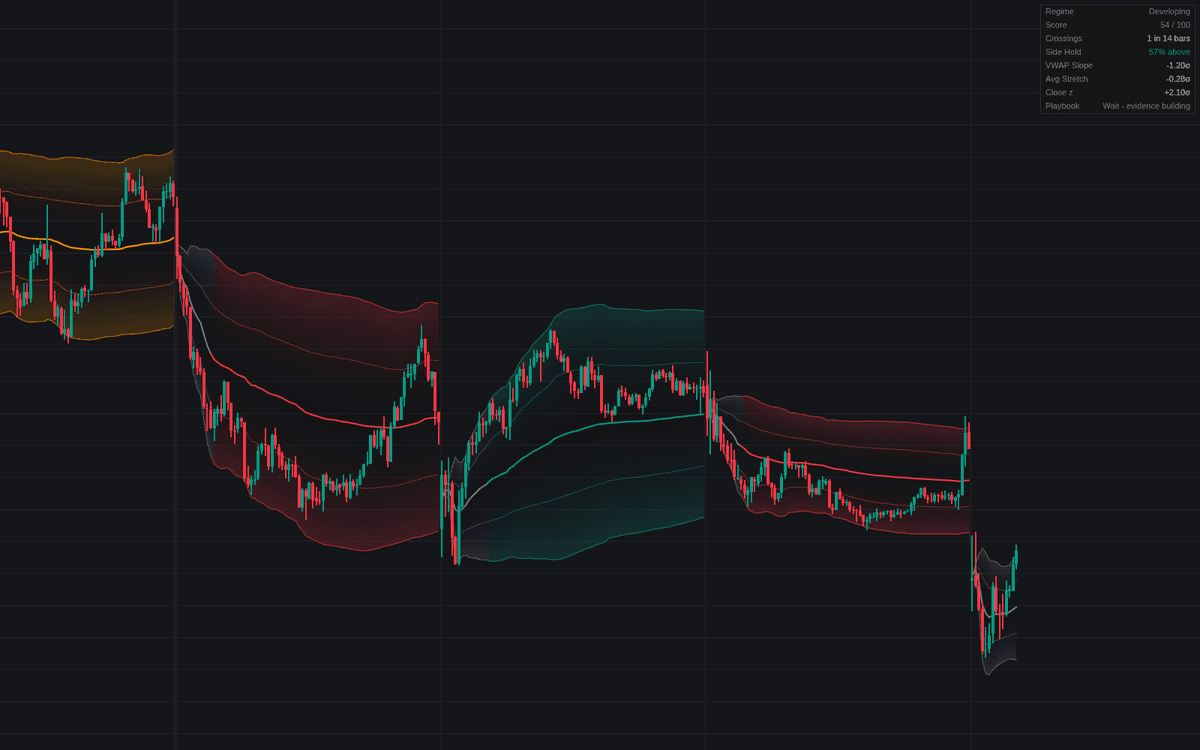

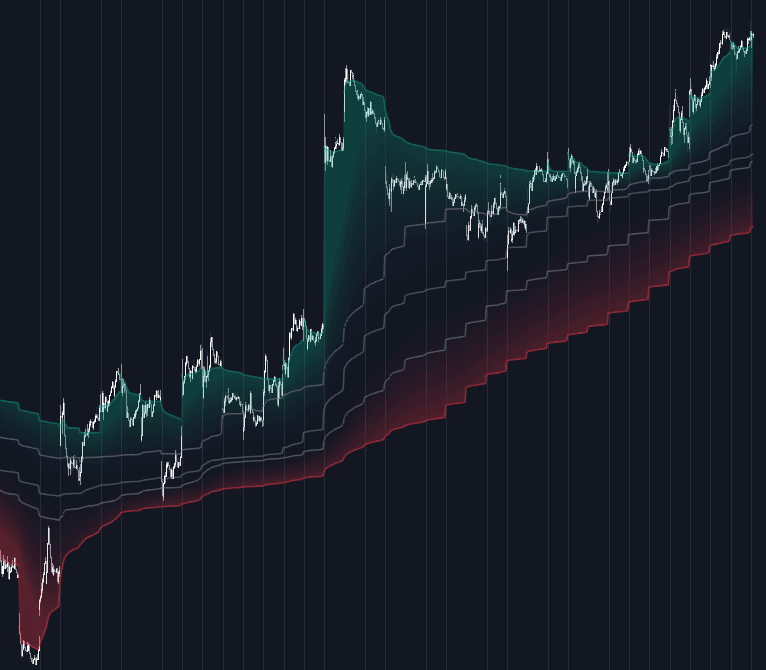
VWAP Mean-reversion vs Trend Regimes answers the session's first question (fade the average or follow it) by classifying the day from its own tape. Implementing the VWAP mean-reversion vs trend regimes decision, it scores four tells over a rolling in-session window (crossings, side hold, VWAP slope, and average stretch) into a 0-100 composite: 65 or above classifies a trend day, 35 or below a rotational day, and the gap between holds the previous label so borderline evidence never flips the playbook. Session VWAP and both band pairs recolor by the committed regime.
How to Trade the VWAP Mean-reversion vs Trend Regimes?
- Trend regime: join pullbacks into the VWAP / first-band zone in the hold direction (both sides carry setup alerts) and skip counter-trend fades.
- Mean-reversion regime: fade outer-band tags back toward the average, stop beyond the band; both bands are alerted.
- Developing: the session has not yet produced Minimum Evidence bars. The honest state is to wait.
- Regime flips: the evidence window trims continuously, so a day that changes character mid-session gets reclassified; flips carry alerts.
VWAP Mean-reversion vs Trend Regimes Settings
- Source (default hlc3): the standard session VWAP source.
- First Band Multiplier (default 1), Outer Band Multiplier (default 2): the pullback zone and fade edge, in volume-weighted deviations.
- Evidence Window (default 48), Minimum Evidence (default 12): how much recent behavior the classifier reads, and how much must exist before it commits.
- Trend Threshold (default 65), Mean-Reversion Threshold (default 35): the composite levels, with a hold zone between.
- Rotation Crossings (default 4): the crossing count that reads as fully rotational, with half of it neutral. Side-Hold Pivot % (default 75), Slope Pivot (default 0.5), Stretch Pivot (default 0.5): the other three tells' neutral points.
- Dashboard and style toggles cover the panel, bands, gradient, and the optional setup markers and flip labels (both off by default).
Frequently Asked Questions
Free to use
Run it on Vela. Go further with a paid plan.
- Up to 500 Custom Alerts, with webhook automation
- Up to 10× the chart history of Free
- Orderflow lookback up to full history
- More Quant usage to customize it, plus extra usage when you need it
- Futures data alongside crypto, stocks, forex and commodities

Related indicators
Run it on Vela. Make it yours with Quant.
Open this indicator free on Vela, our next-generation charting platform. Then ask Quant, our coding agent built into Vela, to retune it or turn it into a backtested strategy of your own.