Chebyshev Filters
 By LuxAlgoJun 25, 2026
Chebyshev Filters is an indicator on Vela, our next-generation charting platform, written in Pine Script®.
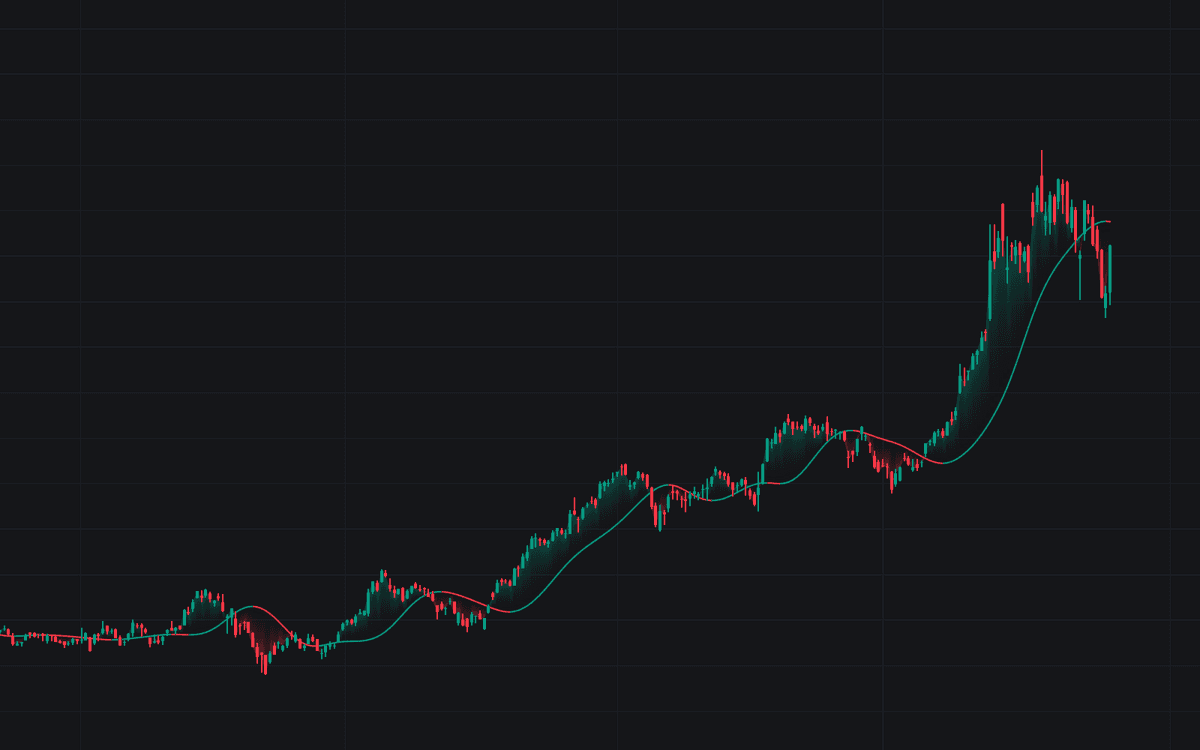

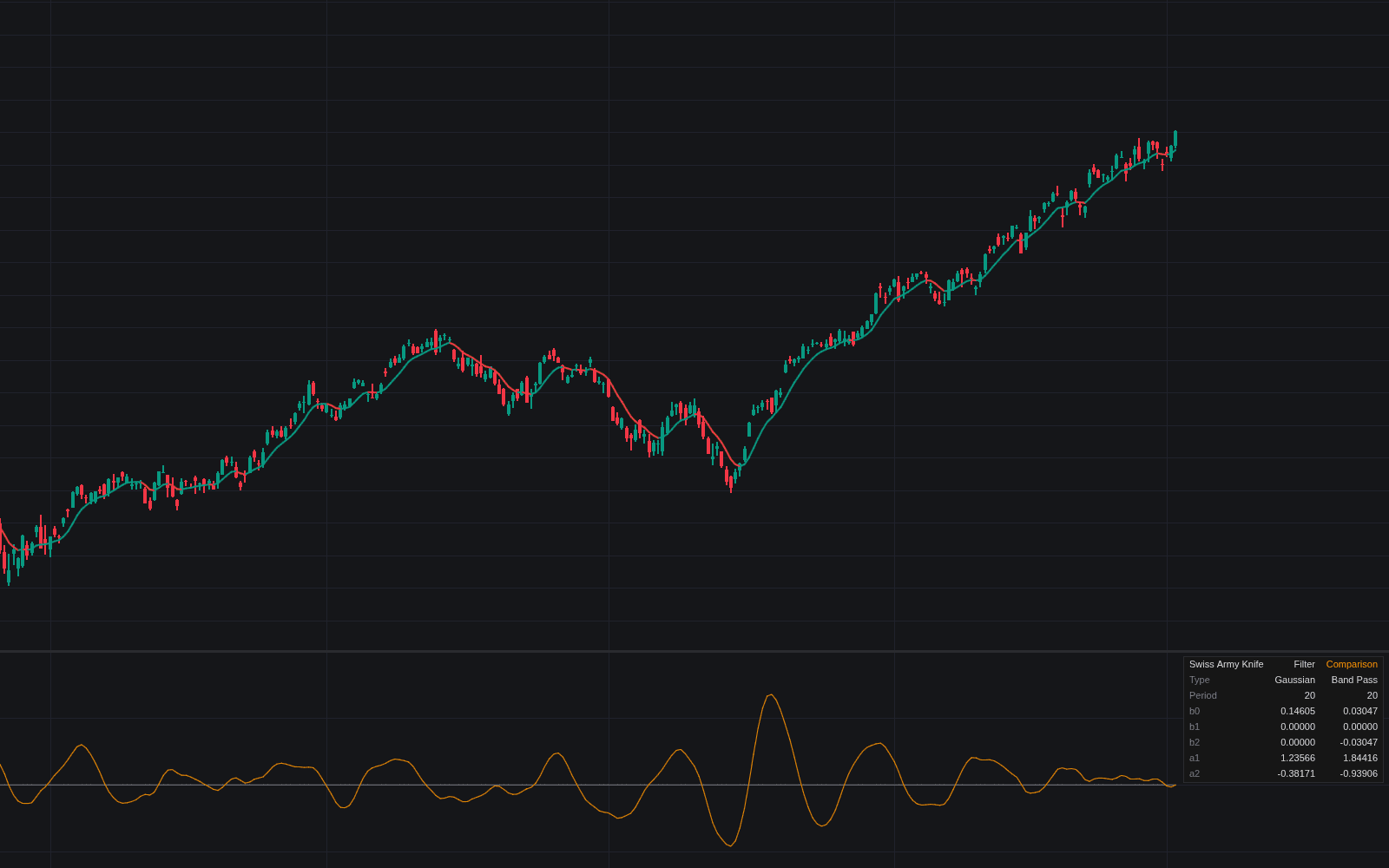
Chebyshev Filters smooths price with a real signal-processing design rather than a lookalike: cascaded biquad sections computed from the textbook recipe, normalized so the cascade sits on price. It is the definitive clean charting build of Chebyshev filters, offering both variants: Type I buys the steepest available roll-off with a small passband ripple, Type II keeps what it passes flat and shifts the ripple into the band it rejects.
How to Trade the Chebyshev Filters?
- Slope color: the line turns bullish while rising and bearish while falling (the trend-baseline read), and slope reversals carry their own alerts.
- Price crossings: crossovers and crossunders of the filter work like those of any moving-average baseline, with optional triangle markers and alerts.
- Gradient fill: shading between price and the filter keeps the current side visible at a glance.
Choose a cutoff near the shortest swing being traded; the Source input also accepts another indicator's output, making pre-smoothing a series a first-class use.
Chebyshev Filters Settings
- Source (default close): the series to smooth.
- Filter Type (default Type I (passband ripple)): where the ripple lives. At the same cutoff Type II is smoother and slower, since its cutoff marks full rejection rather than the passband edge.
- Cutoff Period (default 20): the trend/noise boundary in bars: slower cycles pass, faster ones are attenuated.
- Order (default 3): how sharply the boundary is enforced; each added order cuts more decisively but adds lag and ringing.
- Passband Ripple (dB) (default 0.5): Type I only: a larger allowance buys a steeper roll-off.
- Stopband Attenuation (dB) (default 40): Type II only: minimum rejection beyond the cutoff.
- Style: Slope Trend Coloring (default on), the three colors, Price / Filter Gradient Fill (default on), and Price Crossing Markers (default off).
Frequently Asked Questions
Free to use
Run it on Vela. Go further with a paid plan.
- Up to 500 Custom Alerts, with webhook automation
- Up to 10× the chart history of Free
- Orderflow lookback up to full history
- More Quant usage to customize it, plus extra usage when you need it
- Futures data alongside crypto, stocks, forex and commodities

Related indicators
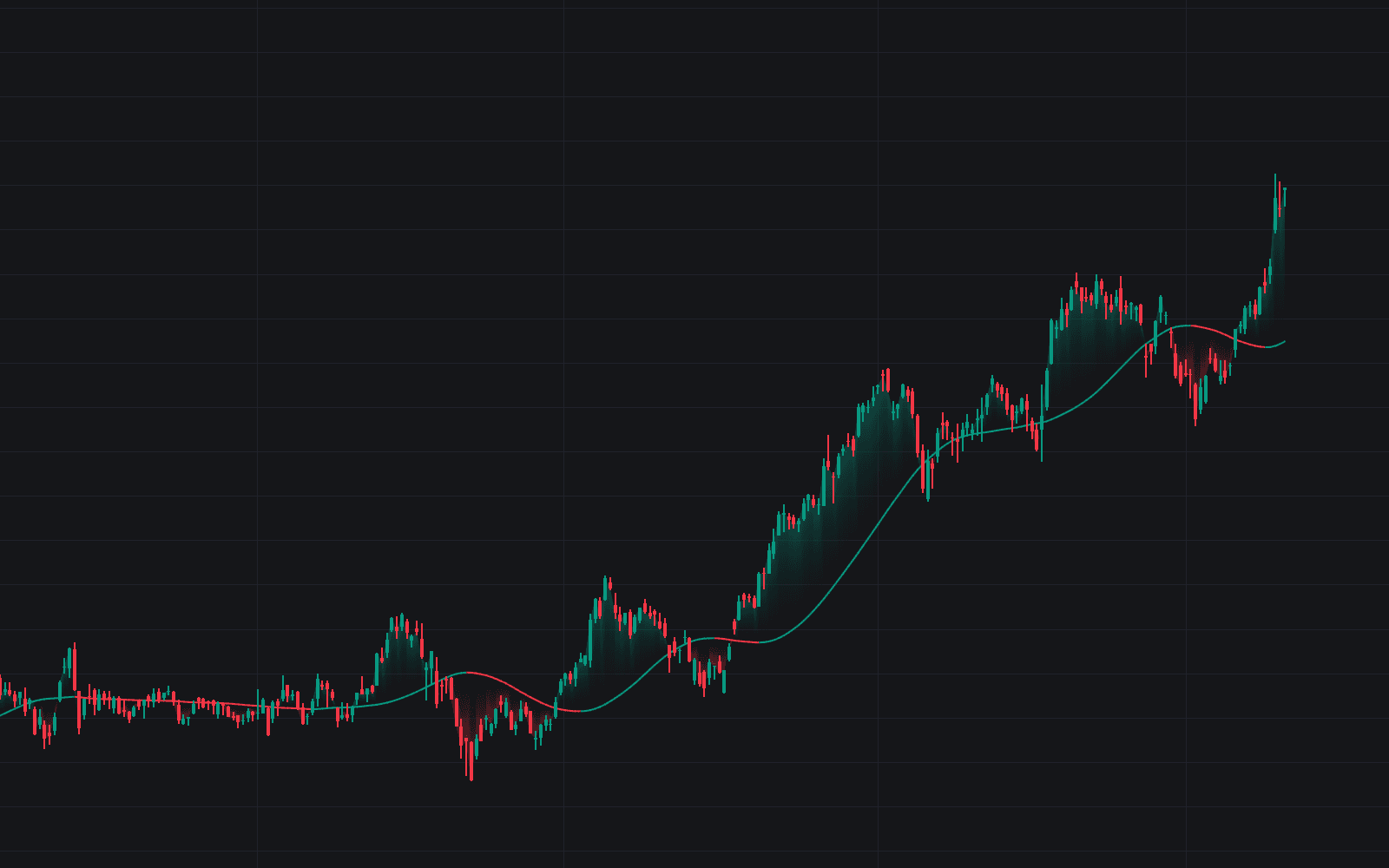
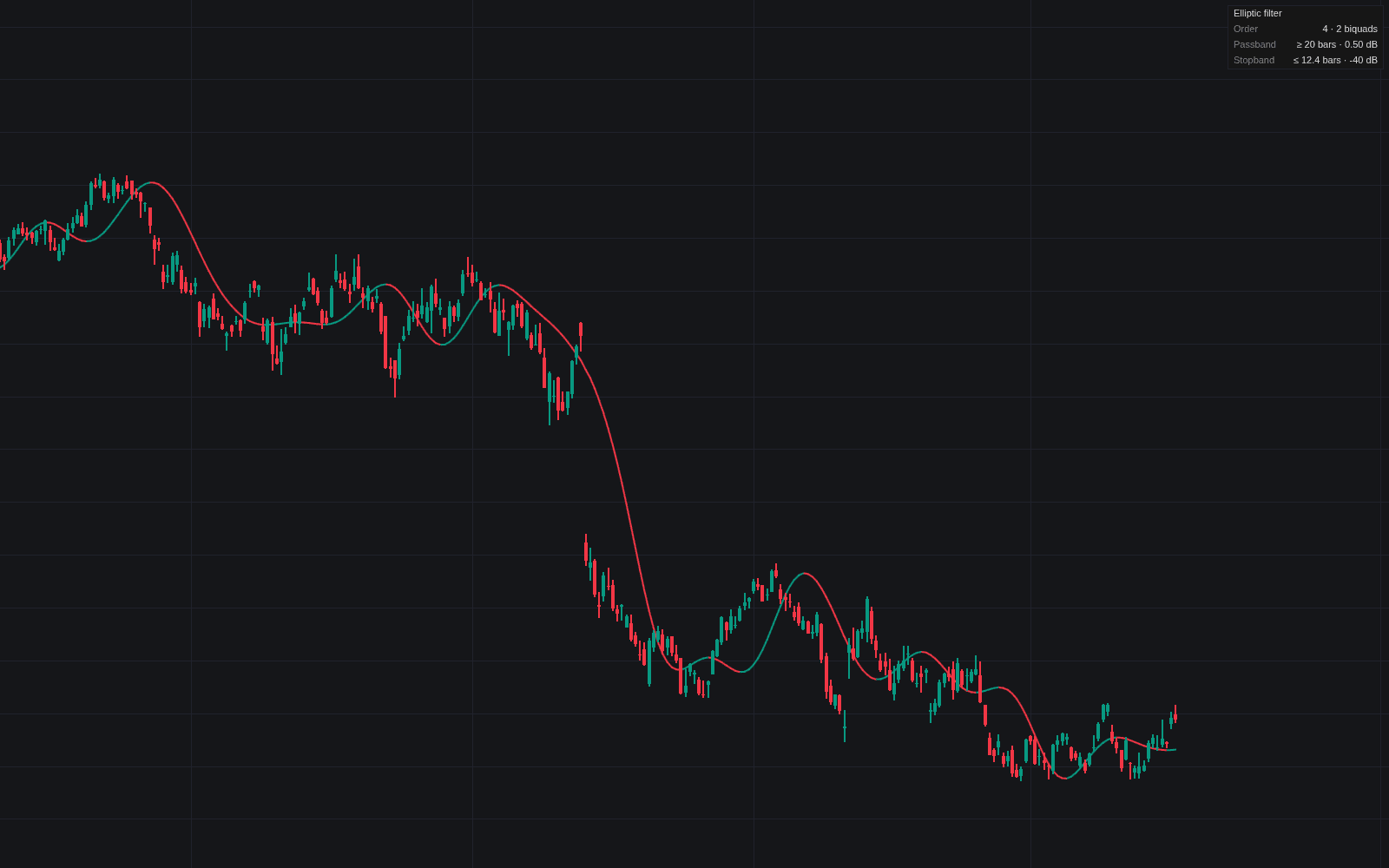
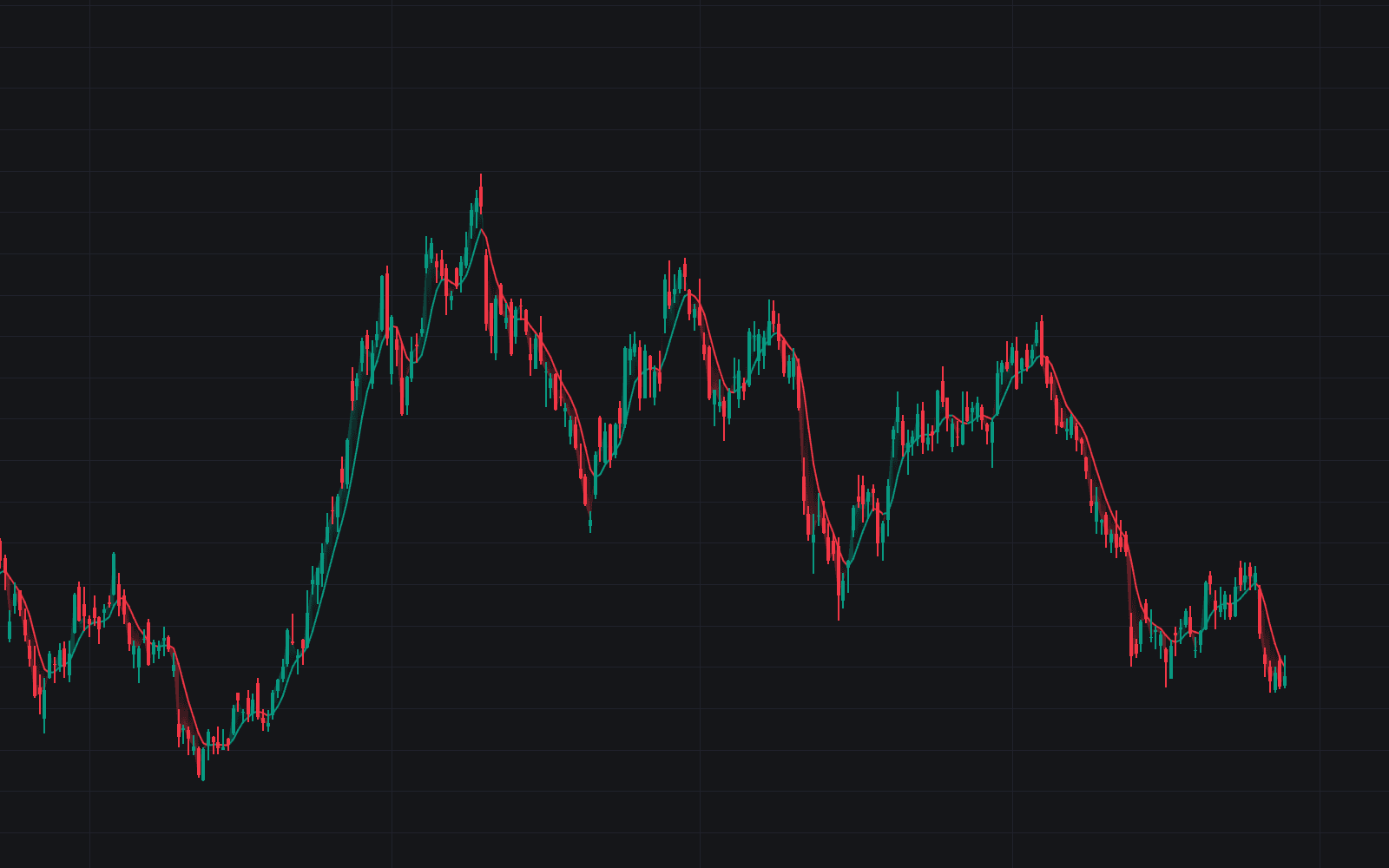
Run it on Vela. Make it yours with Quant.
Open this indicator free on Vela, our next-generation charting platform. Then ask Quant, our coding agent built into Vela, to retune it or turn it into a backtested strategy of your own.