Session & Weekly Profiles
 By LuxAlgoMar 13, 2026
Session & Weekly Profiles is an indicator on Vela, our next-generation charting platform, written in Pine Script®.
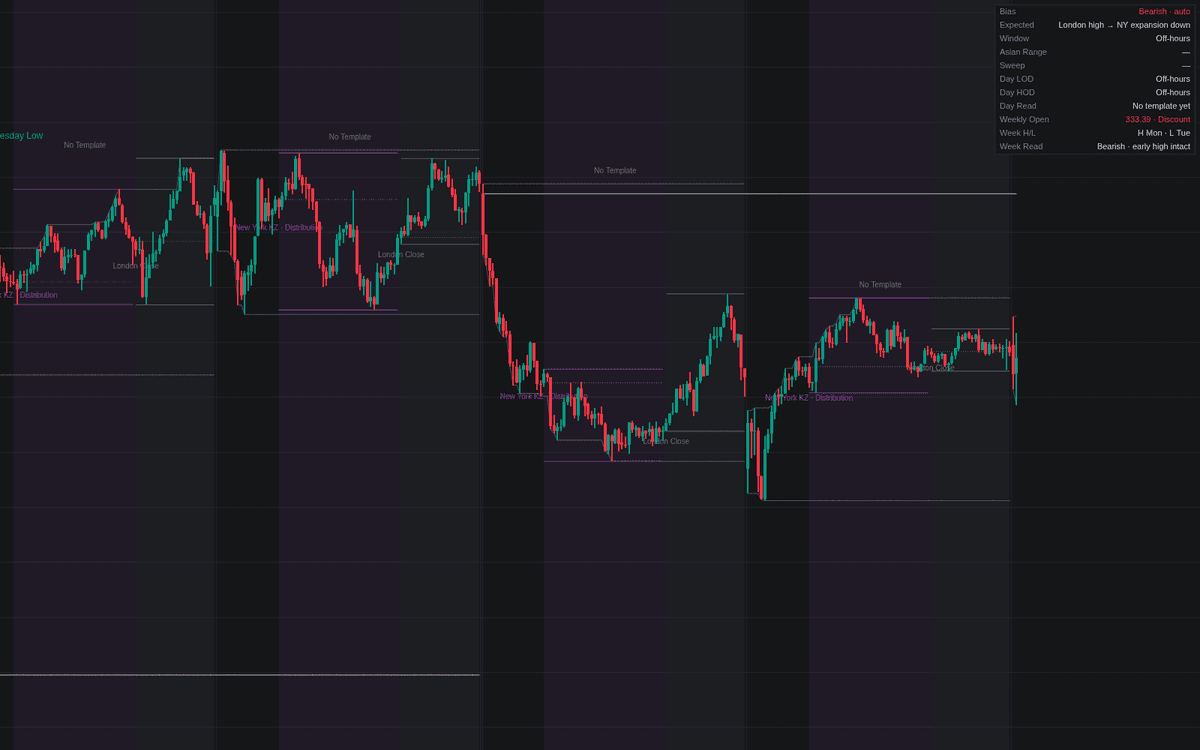

Session & Weekly Profiles puts the session and weekly profiles playbook on the chart as live, checkable state. Four shaded windows (Asia, London killzone, New York killzone, and London close, defined in New York time by default) surround a frozen Asian range, a running daily high and low, and a weekly open line. As each day and week completes, the build labels which template it actually matched: classic bullish or bearish, a New York or London close reversal, an early weekly low or high, or none at all.
How to Trade the Session & Weekly Profiles?
- Judas Sweep: London runs one side of the Asian range and closes back inside, the manipulation leg that opens the classic day templates, labeled and alerted.
- Expansion: after the sweep, a New York close beyond the far side of the Asian range is the trend template delivering.
- NY Reversal: New York sweeps a London killzone extreme and closes back through it, undoing the morning's move.
- No Template: a completed day or week matching nothing is itself information: stand-aside conditions, labeled like the rest.
The dashboard gathers bias, expected path, active window, sweep state, and live day and week reads, the working companion to the SMC & ICT family.
Session & Weekly Profiles Settings
- Profile Timezone (default America/New_York).
- Asia Session (default 2000-0000), London Killzone (default 0200-0500), New York Killzone (default 0700-1000), London Close (default 1000-1200).
- Bias Source (default Auto (Weekly Open)): price above the weekly open leans bullish, below it bearish; the manual options fix the lean.
- Display toggles for shading, Asian range lines, session O/H/L marks, phase labels, daily high/low, the weekly open line, Judas labels, and template labels are all on by default, plus the dashboard.
Frequently Asked Questions
Free to use
Run it on Vela. Go further with a paid plan.
- Up to 500 Custom Alerts, with webhook automation
- Up to 10× the chart history of Free
- Orderflow lookback up to full history
- More Quant usage to customize it, plus extra usage when you need it
- Futures data alongside crypto, stocks, forex and commodities

Related indicators
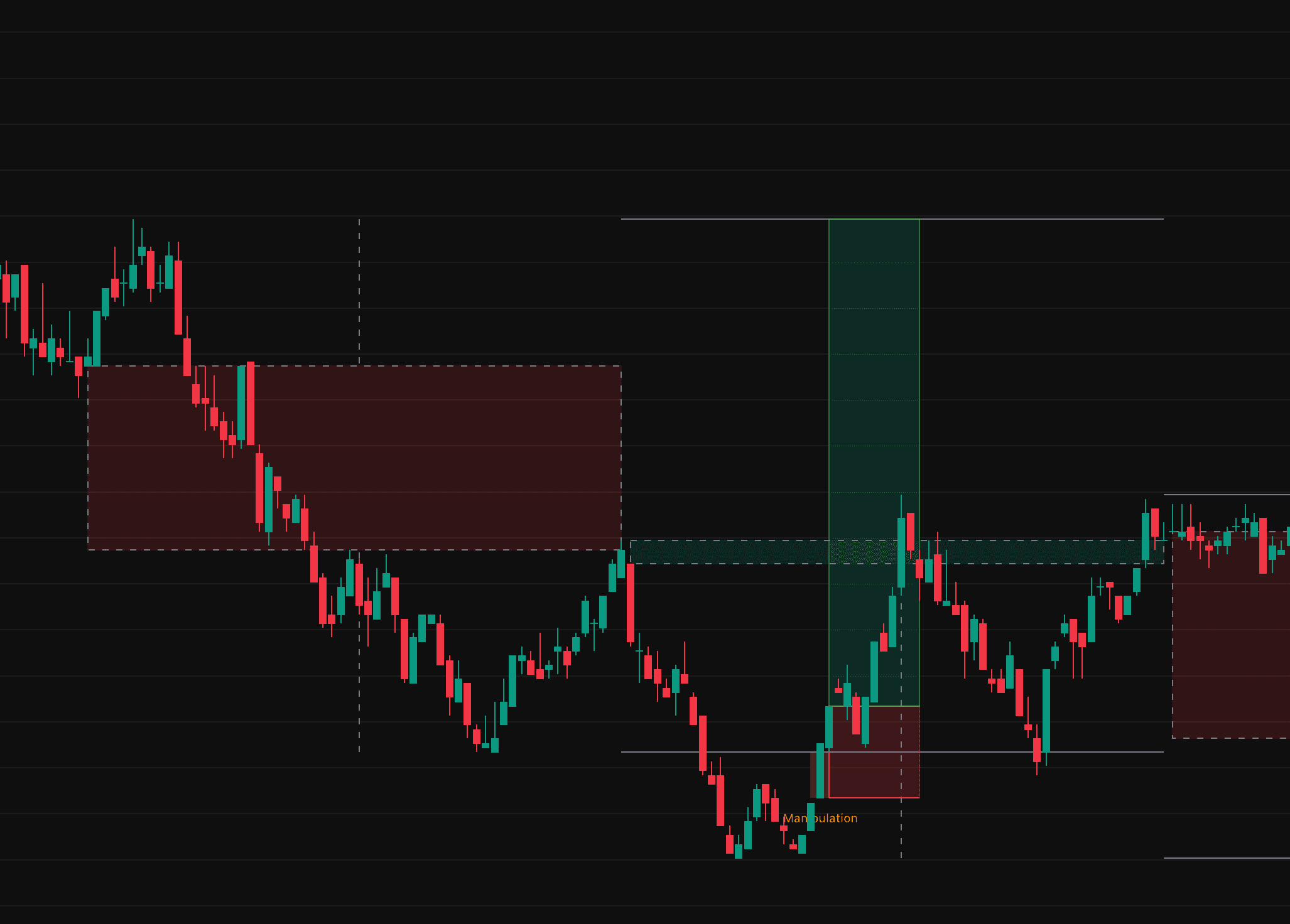
.png&w=3840&q=75)
Run it on Vela. Make it yours with Quant.
Open this indicator free on Vela, our next-generation charting platform. Then ask Quant, our coding agent built into Vela, to retune it or turn it into a backtested strategy of your own.