SWMA
 By LuxAlgoMay 3, 2026
SWMA is an indicator on Vela, our next-generation charting platform, written in Pine Script®.
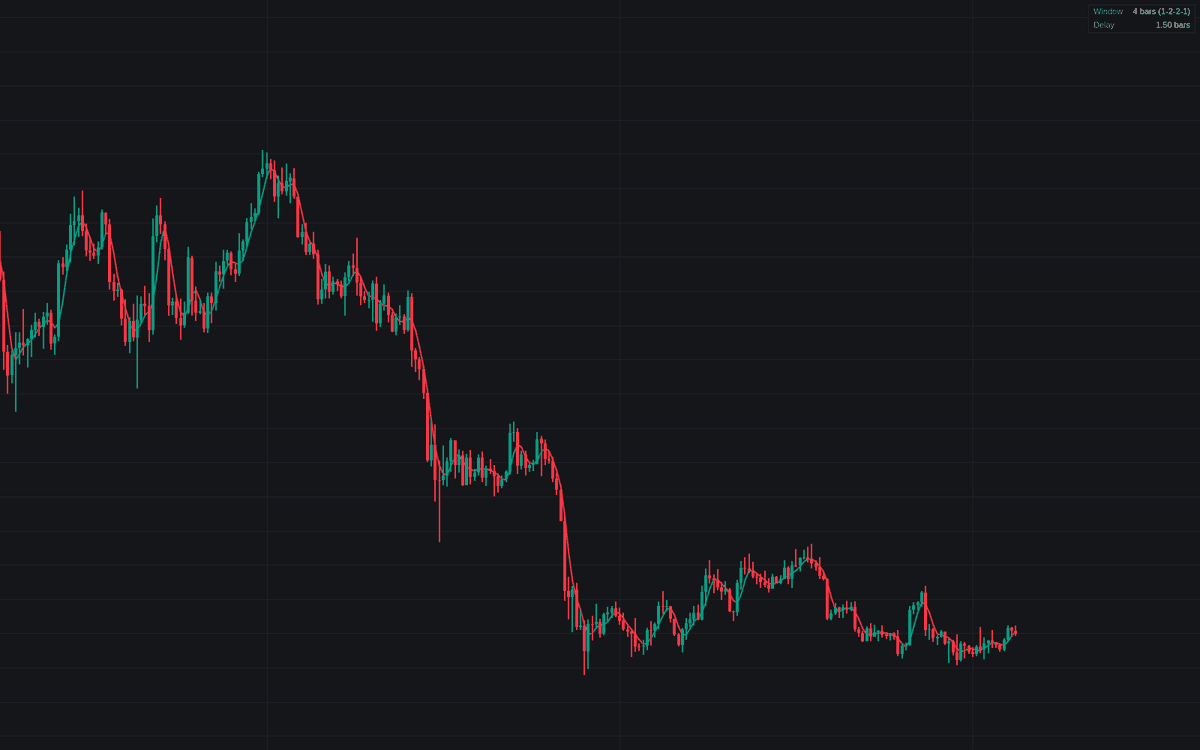

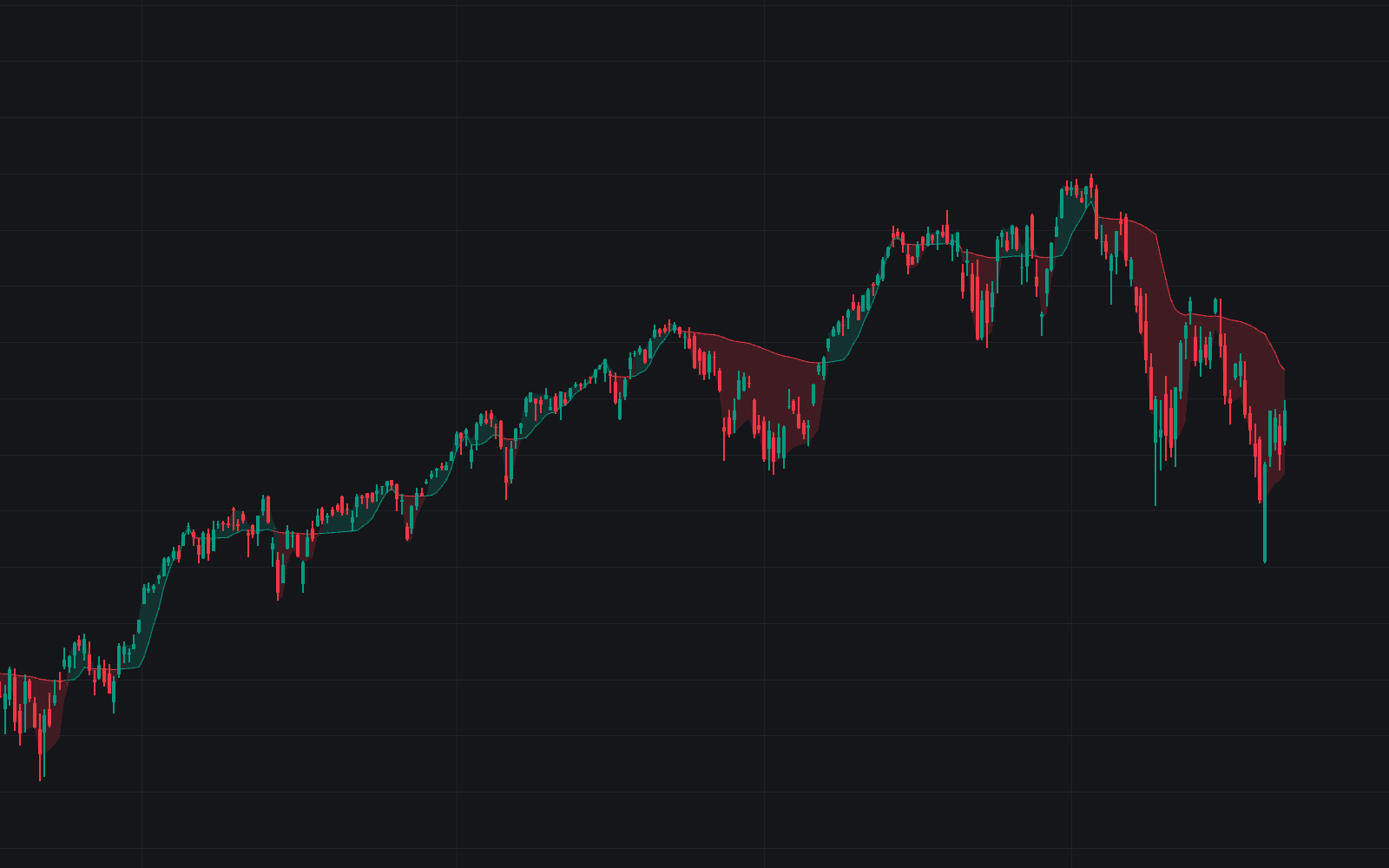
SWMA puts the symmetric weighted moving average on the chart with its defining property made explicit: constant, known delay. The default 4-bar window applies the classic 1-2-2-1 weights of the SWMA; any other Window Length builds the generalized mirrored profile, interior bars counting double and both edges single. Symmetry buys linear phase: everything the filter passes arrives exactly (length − 1) / 2 bars late, and the dashboard states that delay outright, so you always know how far behind the line runs.
How to Trade the SWMA?
- Slope color: the line colors by the sign of its bar-to-bar change, comparing consecutive SWMA values as the gentler stand-in for comparing consecutive closes.
- Turn events: slope flips from falling to rising and the reverse can print circle markers and always carry the two alerts.
- Pre-filter role: enable the pre-filtered average and a longer moving average is computed on the SWMA output instead of raw price. One-bar spikes are removed before the slower average sees them, at the cost of the same small fixed delay.
SWMA Settings
- Source (default close): series the symmetric weights are applied to.
- Window Length (default 4): bars in the symmetric window: 4 is the standard fixed SWMA; larger windows smooth more with proportionally more delay.
- Show Pre-Filtered Average (default off) with Method (default SMA; also EMA, RMA, WMA) and Length (default 20): the documented pre-smoothing stage.
- Show Dashboard (default on) with Location (Top Right) and Size (Small).
- Style: Directional Coloring (default on) and Show Turn Markers (default off).
Frequently Asked Questions
Free to use
Run it on Vela. Go further with a paid plan.
- Up to 500 Custom Alerts, with webhook automation
- Up to 10× the chart history of Free
- Orderflow lookback up to full history
- More Quant usage to customize it, plus extra usage when you need it
- Futures data alongside crypto, stocks, forex and commodities

Related indicators
Run it on Vela. Make it yours with Quant.
Open this indicator free on Vela, our next-generation charting platform. Then ask Quant, our coding agent built into Vela, to retune it or turn it into a backtested strategy of your own.