Woodie Pivots
 By LuxAlgoJun 15, 2026
Woodie Pivots is an indicator on Vela, our next-generation charting platform, written in Pine Script®.
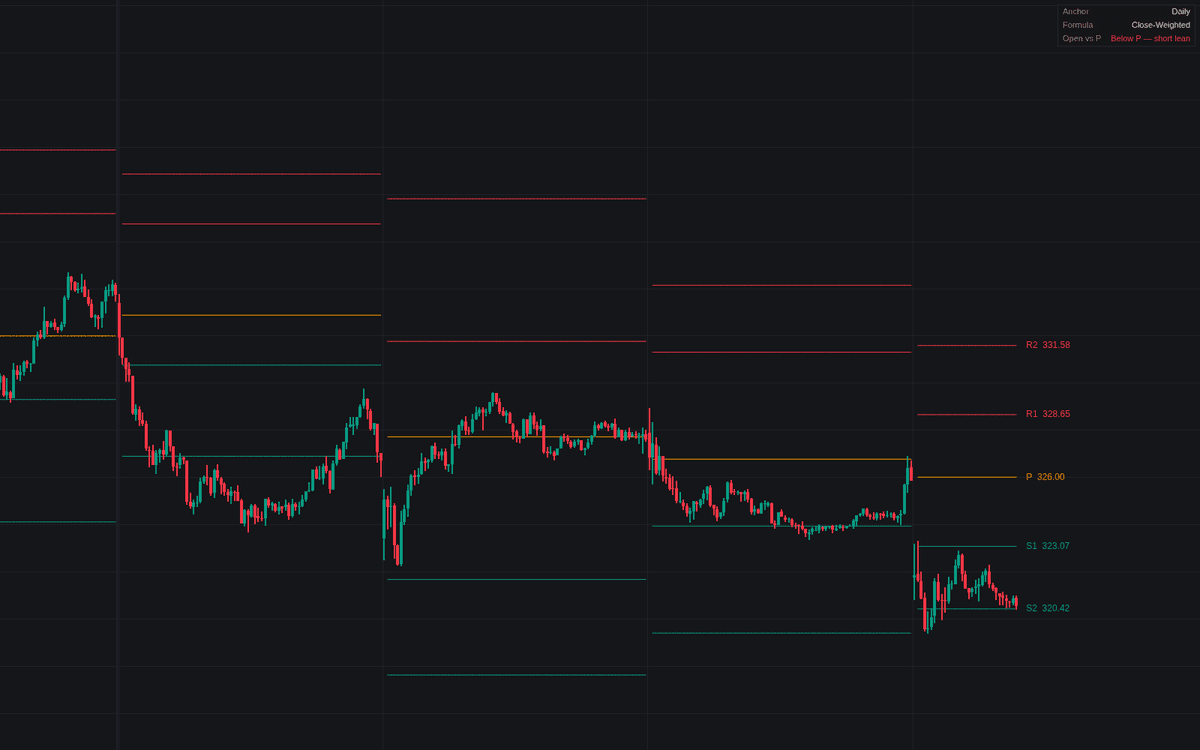

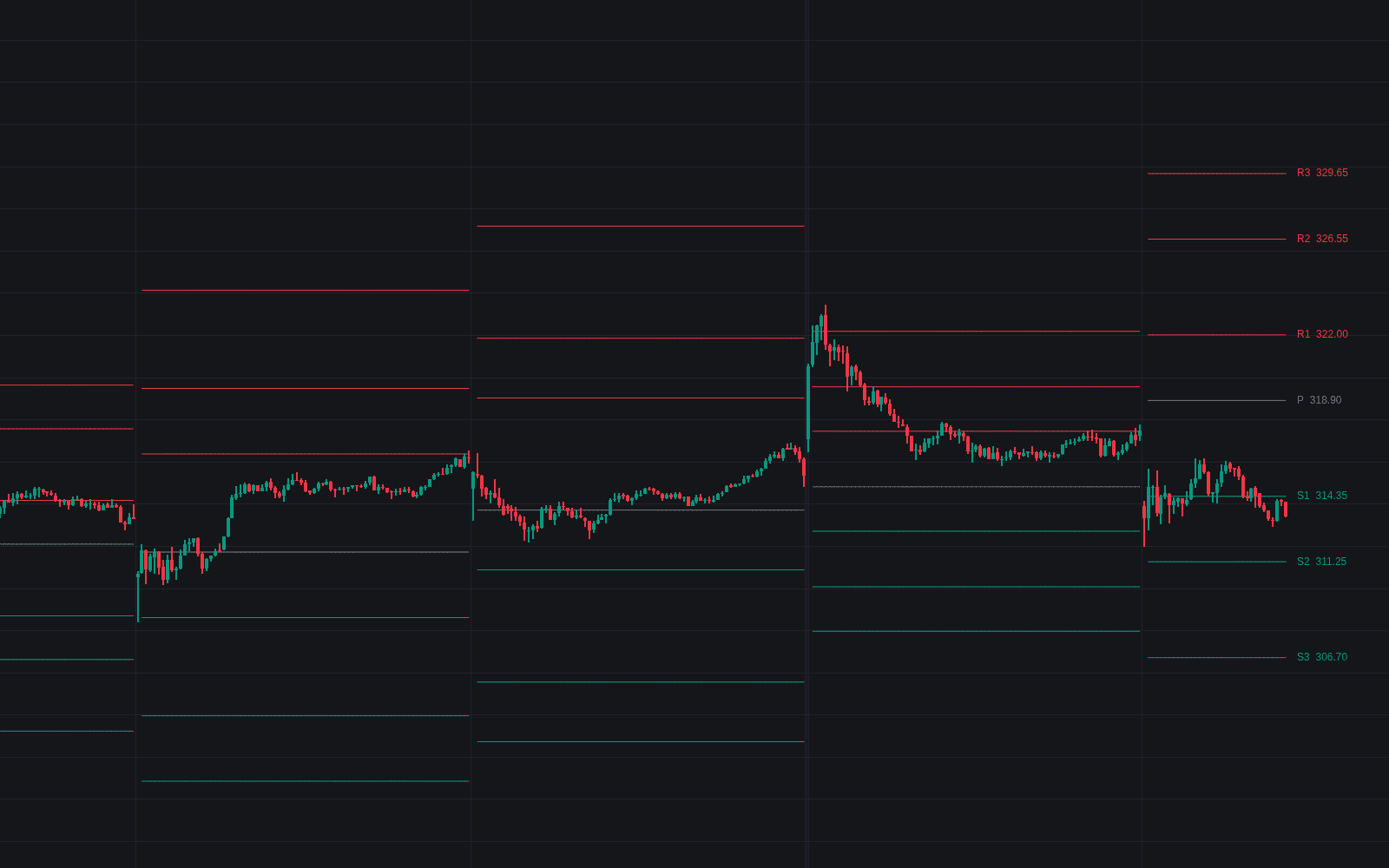
Woodie Pivots is the definitive clean build of Woodie pivots, the pivot ladder that double-weights the most recent information in its center. Both circulating conventions ship as a switch: Close-Weighted computes P = (H + L + 2C) / 4 from the prior period, while Open-Based uses the current period's open so the whole ladder absorbs an overnight gap. Each set then holds until the period rolls. No bar printing today can move today's levels.
How to Trade the Woodie Pivots?
- Open versus P: opening above the pivot sets the long lean many Woodie playbooks start from, below the short lean, reported live in the panel.
- P as the bias line: trade above the pivot favors longs with P as support, below favors shorts with P as resistance.
- R1/S1 as first objectives: the common first target for trades taken at the pivot; R2/S2 lie a full prior-period range farther out.
The optional Floor Pivot Comparison overlays the equal-weighted center P = (H + L + C) / 3. The distance between the two centers shows how much the extra weighting mattered. Crosses on the roll bar itself are ignored.
Woodie Pivots Settings
- Anchor Period (default Daily): completed prior period supplying the inputs.
- Pivot Formula (default Close-Weighted): which price the pivot double-weights; Open-Based prices the opening gap into the ladder.
- Pivot (P), R1 / S1 and R2 / S2 (on by default), R3 / S3 (off by default): tier visibility; sources dispute the third tier, so it starts hidden.
- Floor Pivot Comparison (default off): the faded equal-weighted reference center.
- Line Width (default 1) and Level Labels (default on): drawing width and per-level tags.
- Info Panel (default on) with Location (default Top Right): anchor, formula and the open-versus-P read.
Frequently Asked Questions
Free to use
Run it on Vela. Go further with a paid plan.
- Up to 500 Custom Alerts, with webhook automation
- Up to 10× the chart history of Free
- Orderflow lookback up to full history
- More Quant usage to customize it, plus extra usage when you need it
- Futures data alongside crypto, stocks, forex and commodities

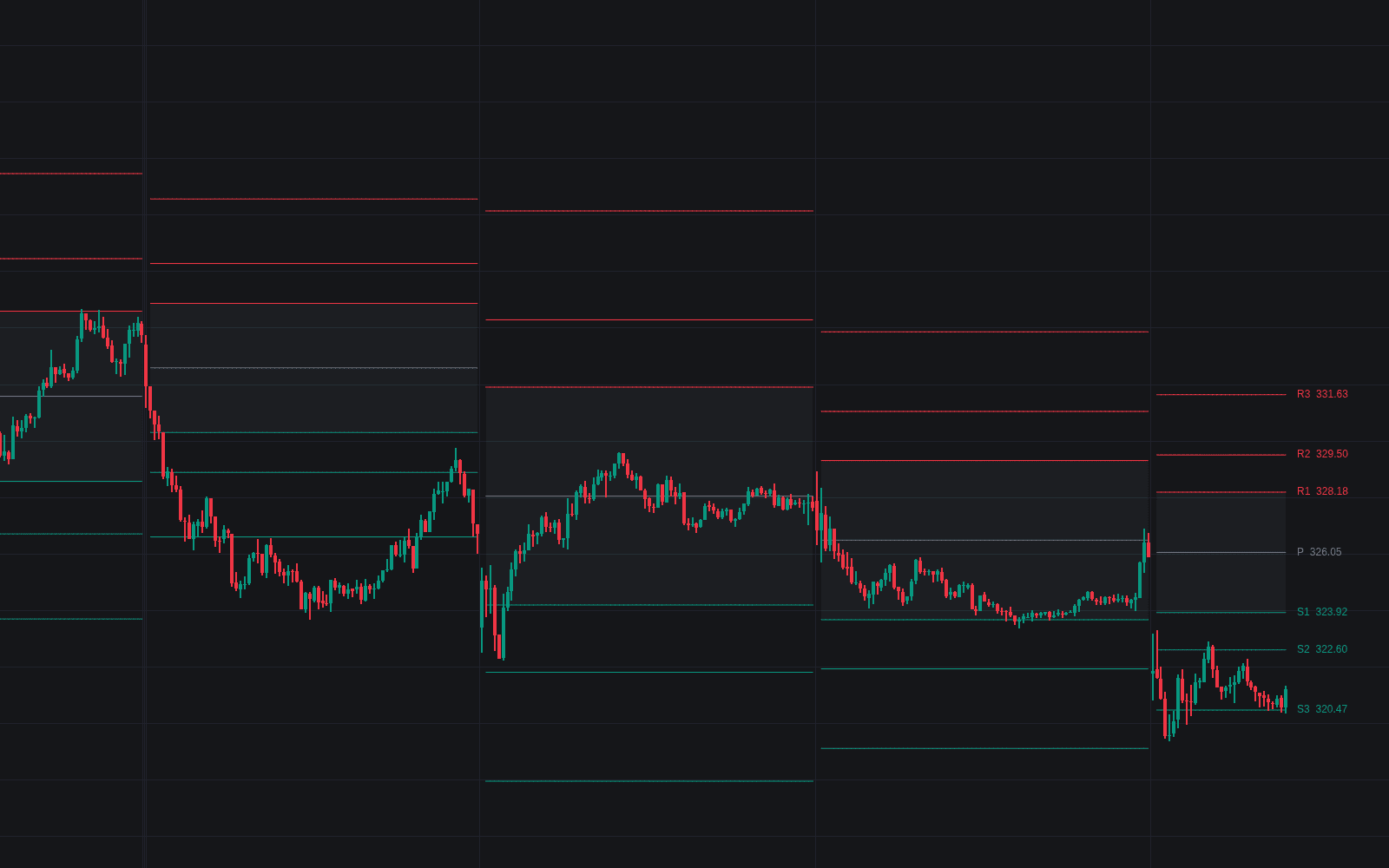
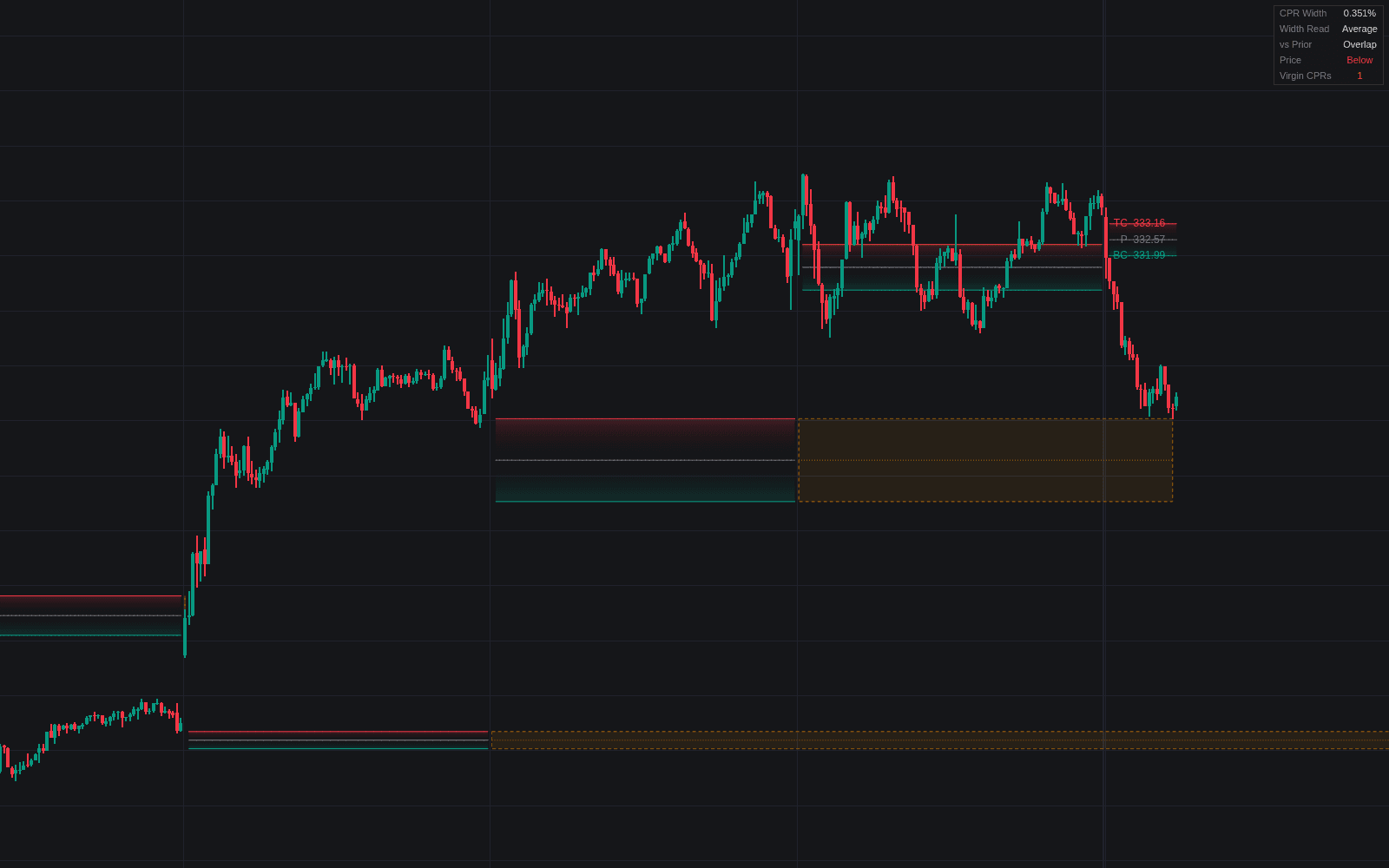
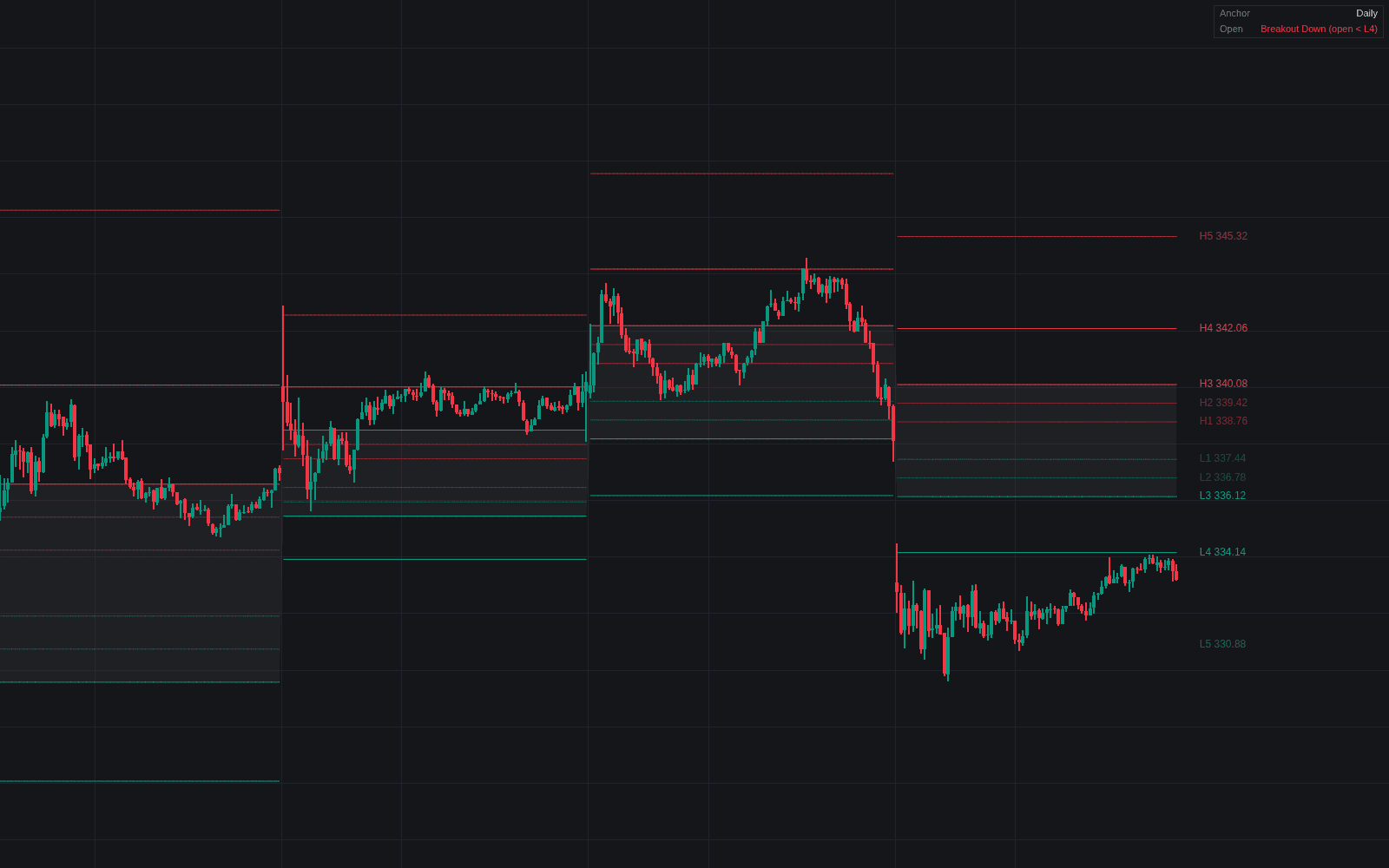
Related indicators
Run it on Vela. Make it yours with Quant.
Open this indicator free on Vela, our next-generation charting platform. Then ask Quant, our coding agent built into Vela, to retune it or turn it into a backtested strategy of your own.