Delta Flow Profile
 By LuxAlgoAug 13, 2024666 chart adds
Delta Flow Profile is an indicator on Vela, our next-generation charting platform, written in Pine Script®.

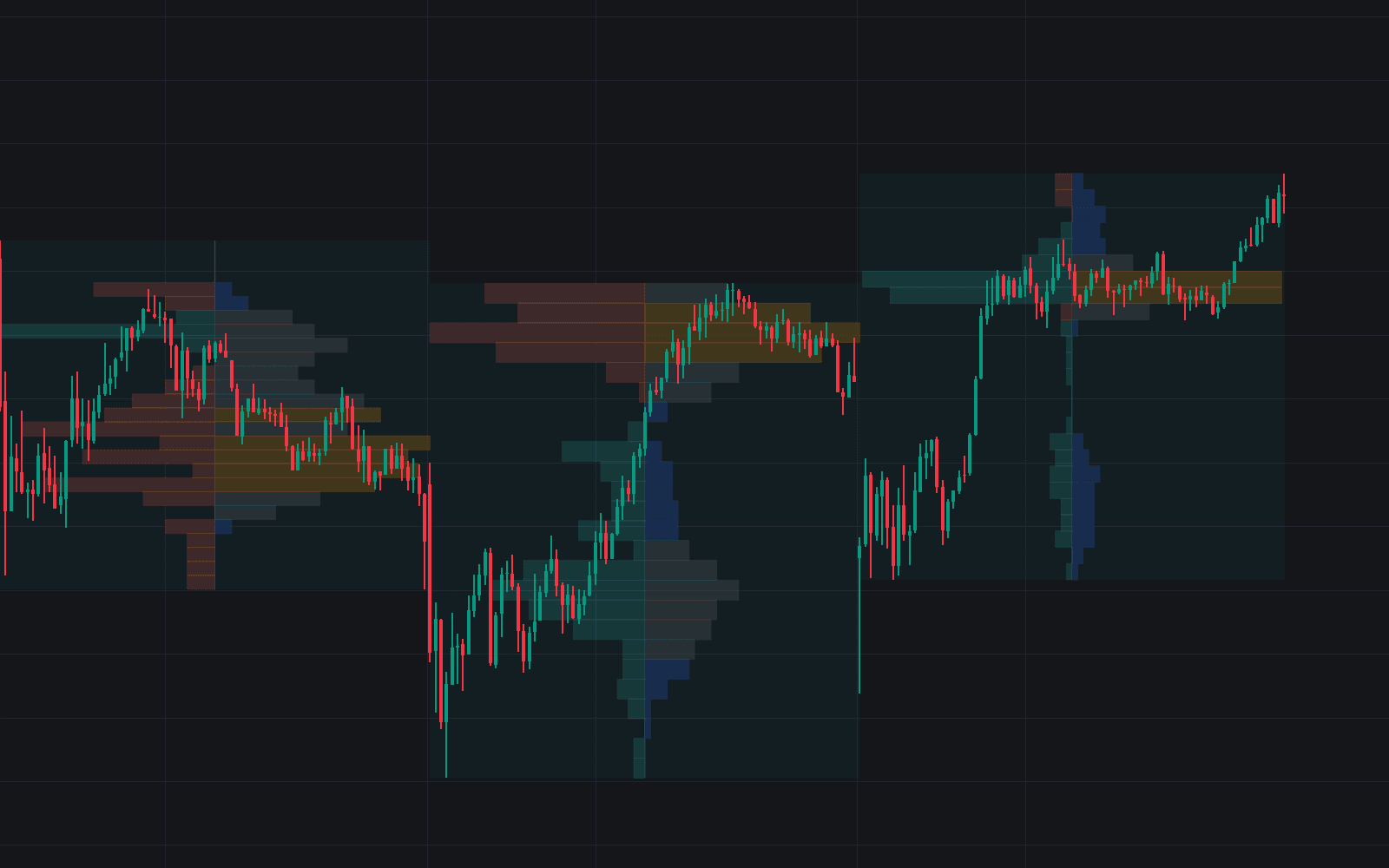
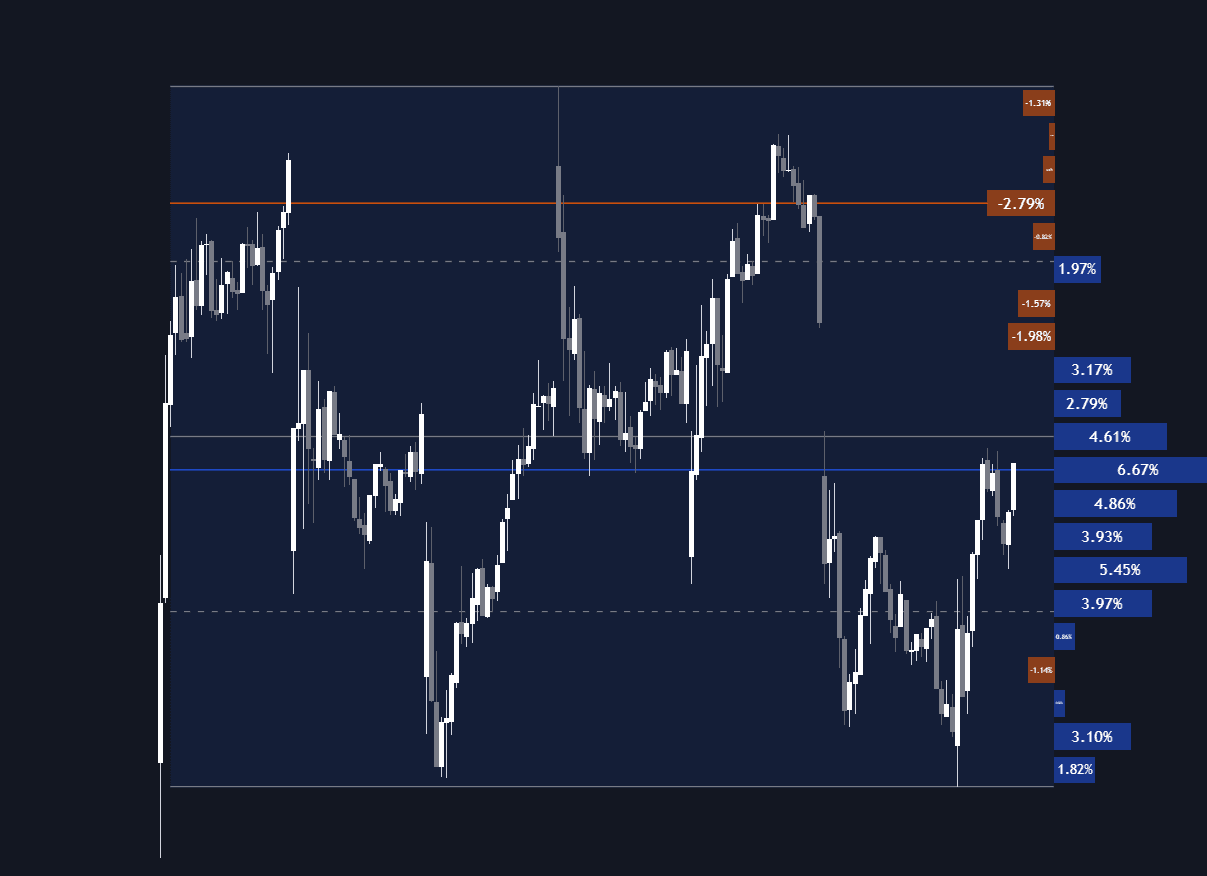
The Delta Flow Profile answers two questions at every price level: how much business was done there, and who was in charge while it happened. The sentiment half is a delta profile, net buying versus selling pressure per row, while the Money Flow Profile half accumulates total activity, with an optional normalized display scoring each row as a percentage of the peak level (100% marks the heaviest money flow). Together they reveal the prices where markets genuinely transacted and the side that dominated.
How to Trade the Delta Flow Profile?
- High money-flow rows: zones of concentrated activity often act as support or resistance, natural benchmarks for future tests.
- Delta dominance: rows with a pronounced volume delta imbalance show which side controlled that price; on a revisit, the dominant side may reinforce its orders there, pressing price in the prevailing direction.
- Level of Significance: follow the heaviest zone as a Developing line, a single Level, or a full Row: the reference market participants are most likely to defend or target.
Profiles compute over a set number of bars counted back from the latest bar (Lookback Length / Fixed Range, default 360), so you can widen or narrow the window to suit your strategy.
Delta Flow Profile Settings
- Money Flow Profile / Normalized / Delta Profile: toggle each histogram, including the percentage-normalized comparison view.
- Polarity Method: Bar Polarity infers delta from candle sentiment; Bar Buying/Selling Pressure uses high/low data for higher precision.
- Level of Significance: show or hide the significant level and choose its display method.
- Lookback Length / Fixed Range: the analysis window.
- Number of Rows: histogram resolution for each profile.
- Display: profile width percentage, horizontal offset, text and currency labels, and price-level visibility.
Frequently Asked Questions
Free to use
Run it on Vela. Go further with a paid plan.
- Up to 500 Custom Alerts, with webhook automation
- Up to 10× the chart history of Free
- Orderflow lookback up to full history
- More Quant usage to customize it, plus extra usage when you need it
- Futures data alongside crypto, stocks, forex and commodities
Also works on

Related indicators
All 7 Delta Profile indicators
Run it on Vela. Make it yours with Quant.
Open this indicator free on Vela, our next-generation charting platform. Then ask Quant, our coding agent built into Vela, to retune it or turn it into a backtested strategy of your own.