Motive Wave
 By LuxAlgoJun 14, 2026
Motive Wave is an indicator on Vela, our next-generation charting platform, written in Pine Script®.
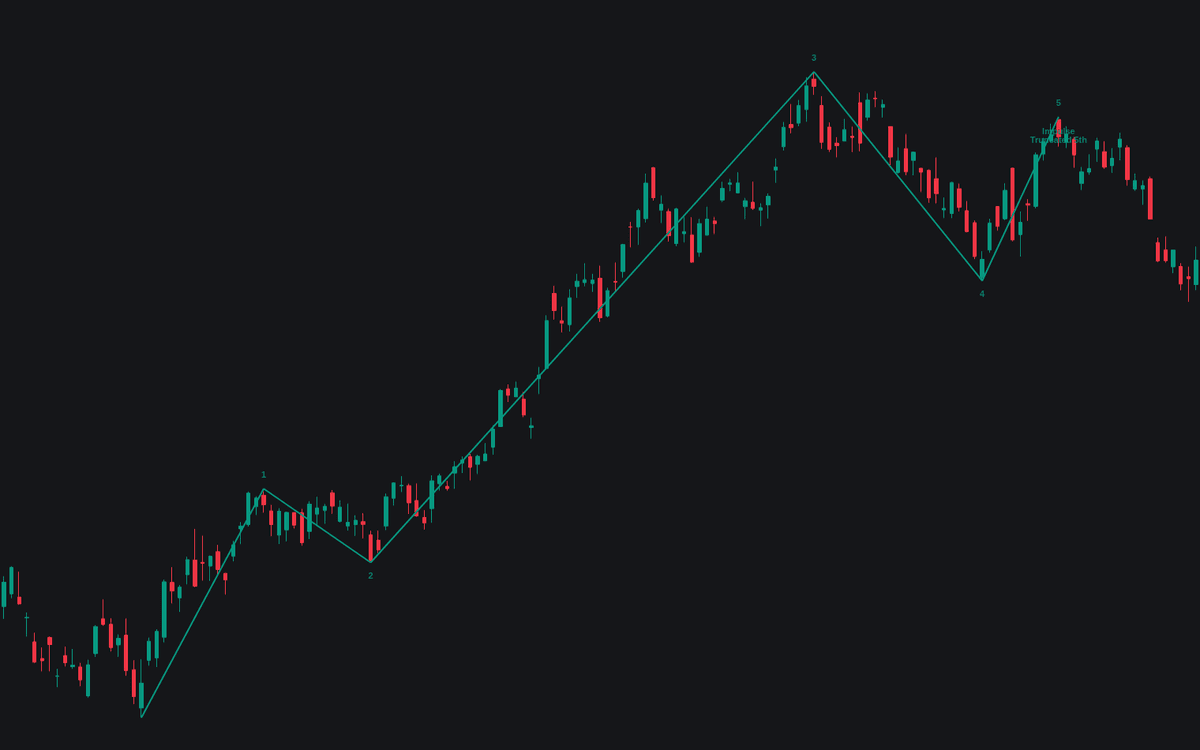

Motive Wave hunts for completed five-wave structures on a swing base built from a 10-bar ZigZag, keeping only counts that survive the motive wave hard rules: wave 2 may never retrace beyond wave 1's origin, and wave 3 can never finish shortest of the advancing waves. Counts are drawn and numbered through their pivots and classified by form (impulse when wave 4 holds out of wave 1 territory, diagonal when the waves overlap in a wedge) with labels reporting each wave's ratios against the standard relationships.
How to Trade the Motive Wave?
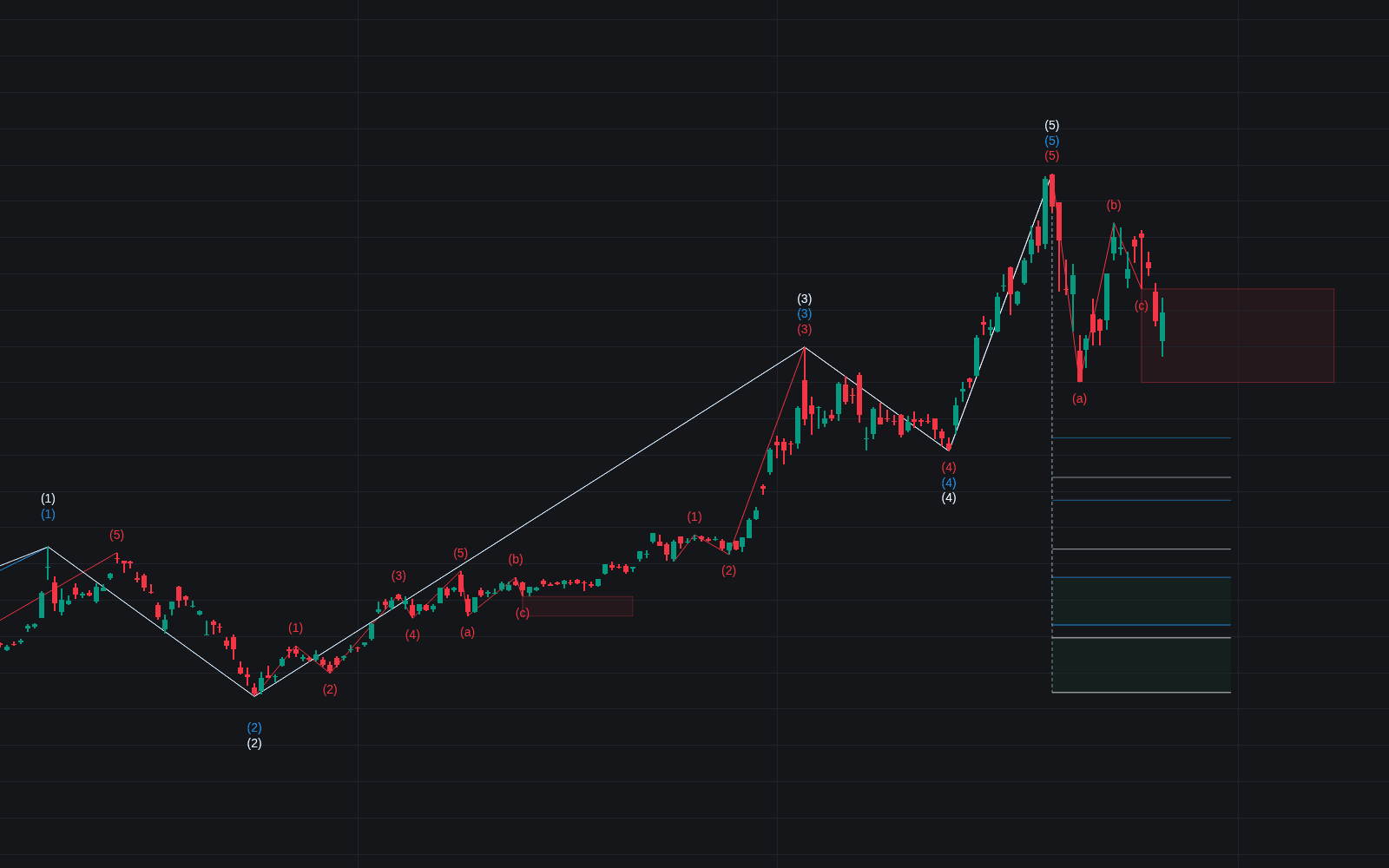
- Completed count: argues for a corrective phase against the move. The summary label reports form, extension, and the ratio fit out of 4.
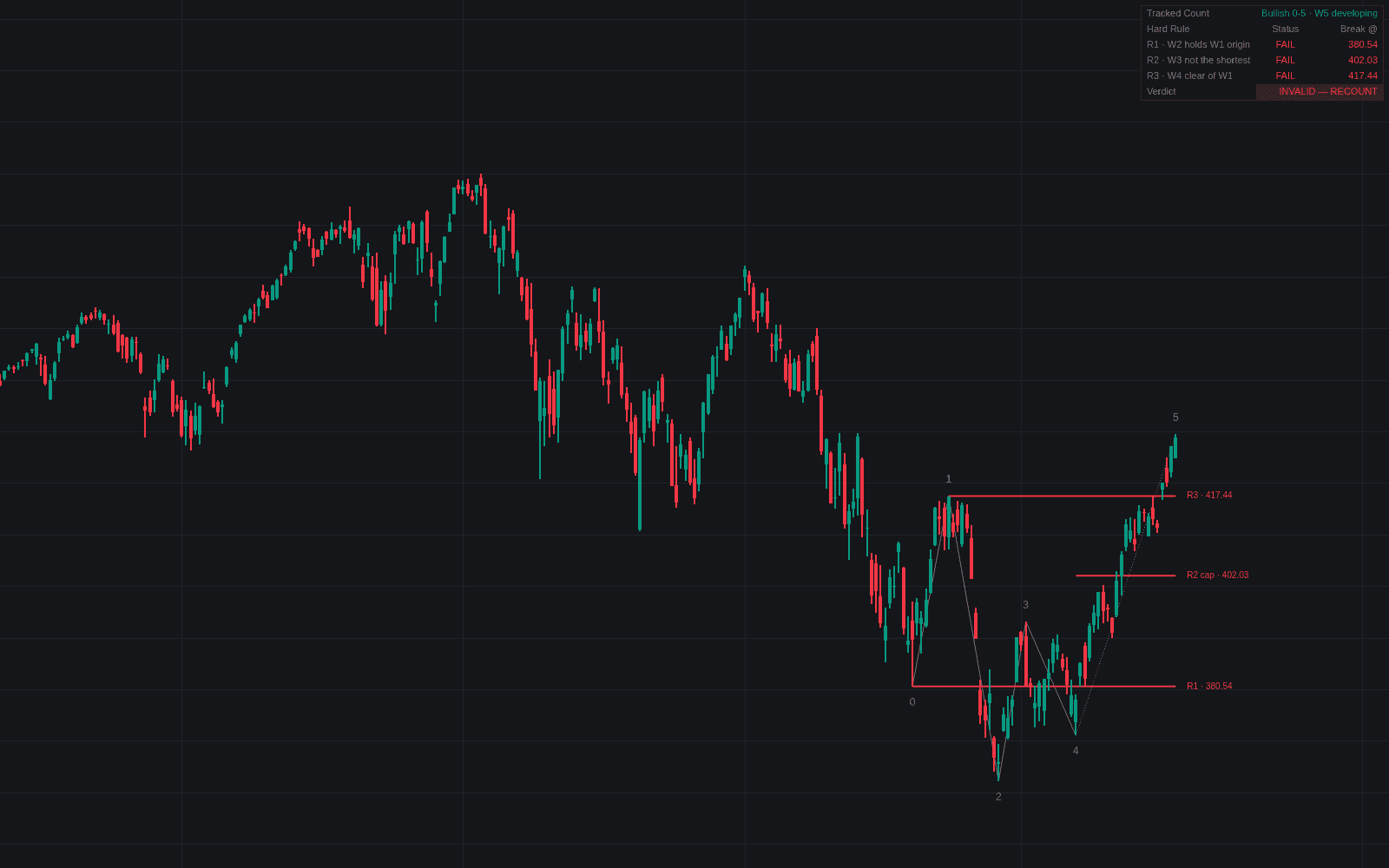
- Fifth wave underway: with waves 1-4 in place, a dotted developing count projects the fifth, plus a dashed Invalidation line at wave 1's origin.
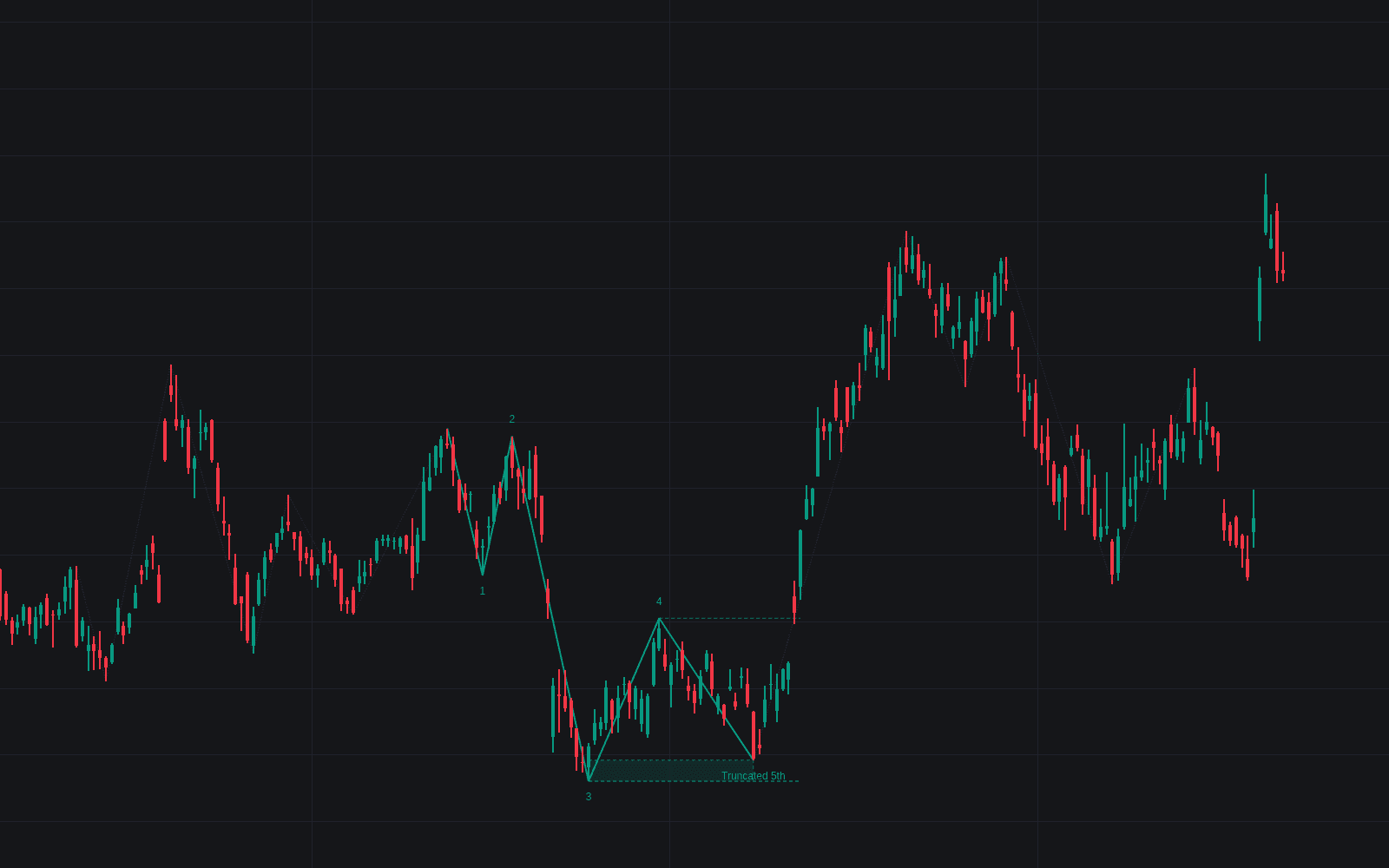
- Truncated 5th: a fifth wave stopping short of the wave 3 extreme is flagged as severe weakness.
- Momentum divergence: a fifth-wave extreme on a weaker 14-length RSI reading than wave 3 is flagged as an exhaustion cue.
Alerts cover completed counts, fifth waves underway, divergences, and invalidations.
Motive Wave Settings
- ZigZag Length (default 10): pivot length of the swing base; larger values count larger-degree waves.
- Show Last Motive Waves (default 3): completed counts kept on the chart.
- Show Developing Count (default on): draw the partial count and invalidation level.
- Larger-Degree Trend Filter (default off) with x (default 4): only accept counts moving with a ZigZag leg four times larger.
- Check Subdivisions (default off) with Minor Length (default 3): require five minor sub-swings inside actionary waves, three inside interruptions.
- Ratio Tolerance (default 0.1): slack around the standard relationships.
- Momentum Length (default 14): RSI length behind the divergence check.
- Style inputs set line width, label size, and colors.
Frequently Asked Questions
Free to use
Run it on Vela. Go further with a paid plan.
- Up to 500 Custom Alerts, with webhook automation
- Up to 10× the chart history of Free
- Orderflow lookback up to full history
- More Quant usage to customize it, plus extra usage when you need it
- Futures data alongside crypto, stocks, forex and commodities

Related indicators
Run it on Vela. Make it yours with Quant.
Open this indicator free on Vela, our next-generation charting platform. Then ask Quant, our coding agent built into Vela, to retune it or turn it into a backtested strategy of your own.