Truncation
 By LuxAlgoJul 29, 2026
Truncation is an indicator on Vela, our next-generation charting platform, written in Pine Script®.
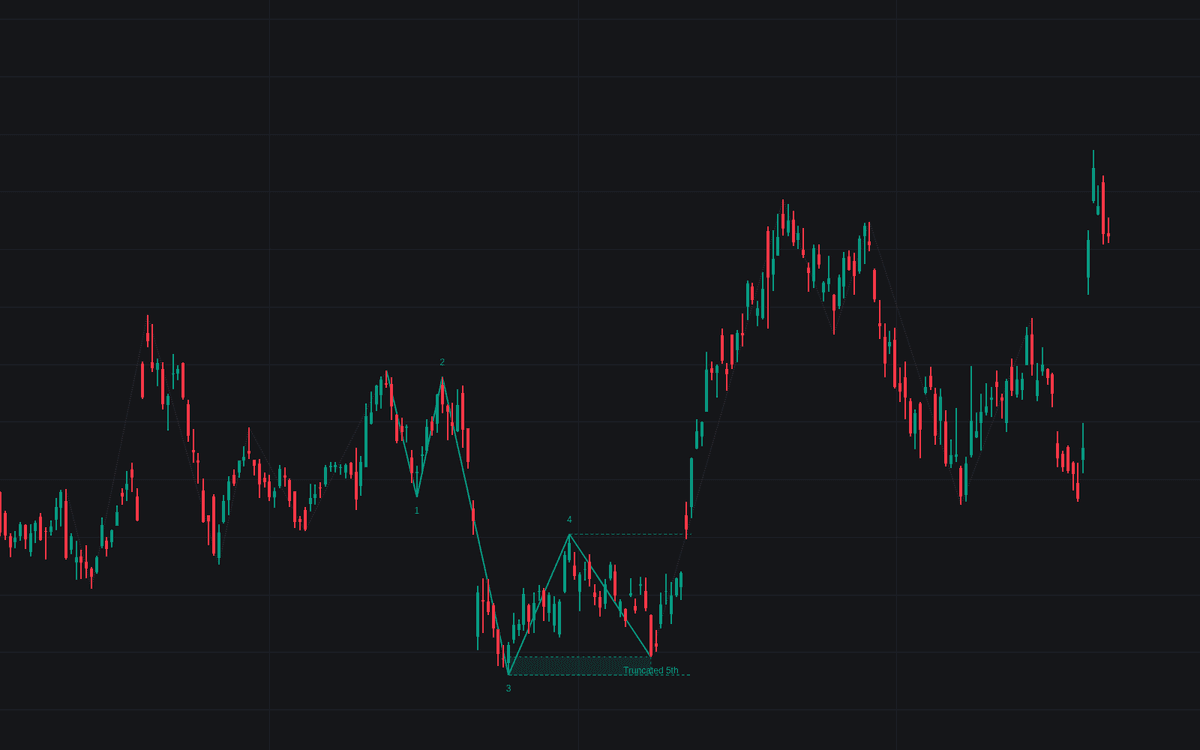

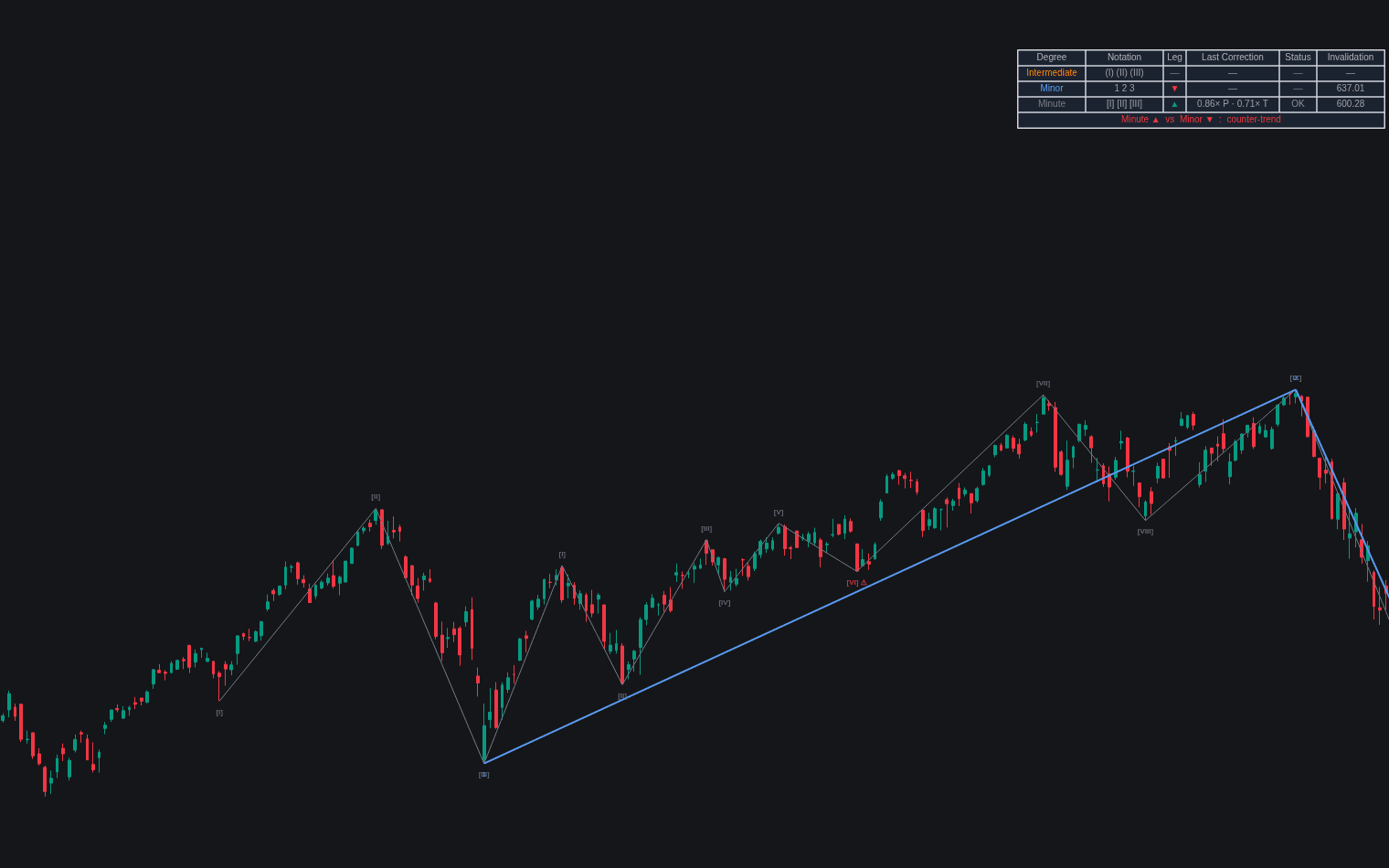
Truncation looks for the failed fifth: the impulse that completes its form but not its extent. Five legs are counted off the swing structure, the hard rules are enforced through wave 4 (wave 2 holds the origin, wave 4 stays out of wave 1 territory, wave 3 never the shortest), and the build flags a finished fifth halting shy of the wave 3 extreme, the signature of truncation. The uncovered ground shades as the shortfall zone; dashed levels at the wave 4 and wave 3 extremes carry confirmation and refutation.
How to Trade the Truncation?
- Detected: the Truncated 5th label appears once the final swing confirms; its tooltip itemizes shortfall depth, interior sub-swings, momentum divergence and volume.
- Confirmed: a close through the wave 4 extreme solidifies the pattern. The reversal starts from a lower high or a higher low that extreme-insistent counts will miss.
- Refuted: any trade beyond the wave 3 extreme deletes the candidate; wave 5 simply extended.
Truncation Settings
- Swing Length (default 8): pivot length for waves 1 through 5, confirming this many bars after each extreme.
- Sub-Wave Length (default 3): smaller pivot counting sub-swings inside wave 5.
- Require Five-Wave Subdivision In Wave 5 (default on): demands at least four progressing interior sub-swings.
- Extended Wave 3 Filter (default off) with its ratio field (default 1.618): only accept truncations following an extended third wave.
- Momentum Length (default 14): RSI length comparing the wave 5 and 3 extremes.
- Require Momentum Divergence (default off) and Require Fading Volume (default off): promote the corroborating evidence into hard filters; both still report in the tooltip.
- Style: Impulse Lines, Wave Labels, Shortfall Zone, Confirmation & Invalidation Levels, Show Swings (all on).
Frequently Asked Questions
Free to use
Run it on Vela. Go further with a paid plan.
- Up to 500 Custom Alerts, with webhook automation
- Up to 10× the chart history of Free
- Orderflow lookback up to full history
- More Quant usage to customize it, plus extra usage when you need it
- Futures data alongside crypto, stocks, forex and commodities

Related indicators
Run it on Vela. Make it yours with Quant.
Open this indicator free on Vela, our next-generation charting platform. Then ask Quant, our coding agent built into Vela, to retune it or turn it into a backtested strategy of your own.