Monte Carlo Shuffled Projection
 By LuxAlgoMay 2, 2024
Monte Carlo Shuffled Projection is an indicator on Vela, our next-generation charting platform, written in Pine Script®.
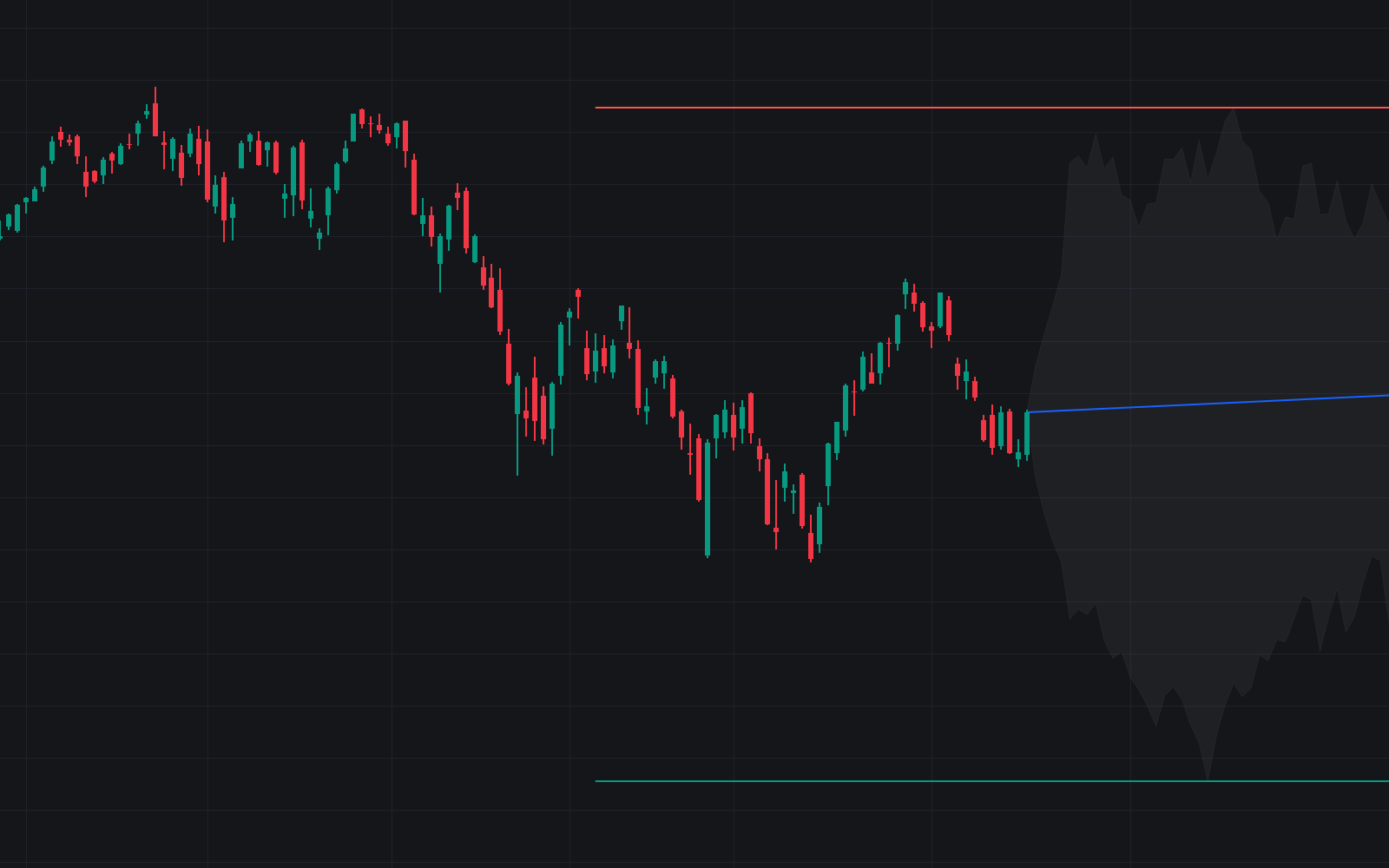

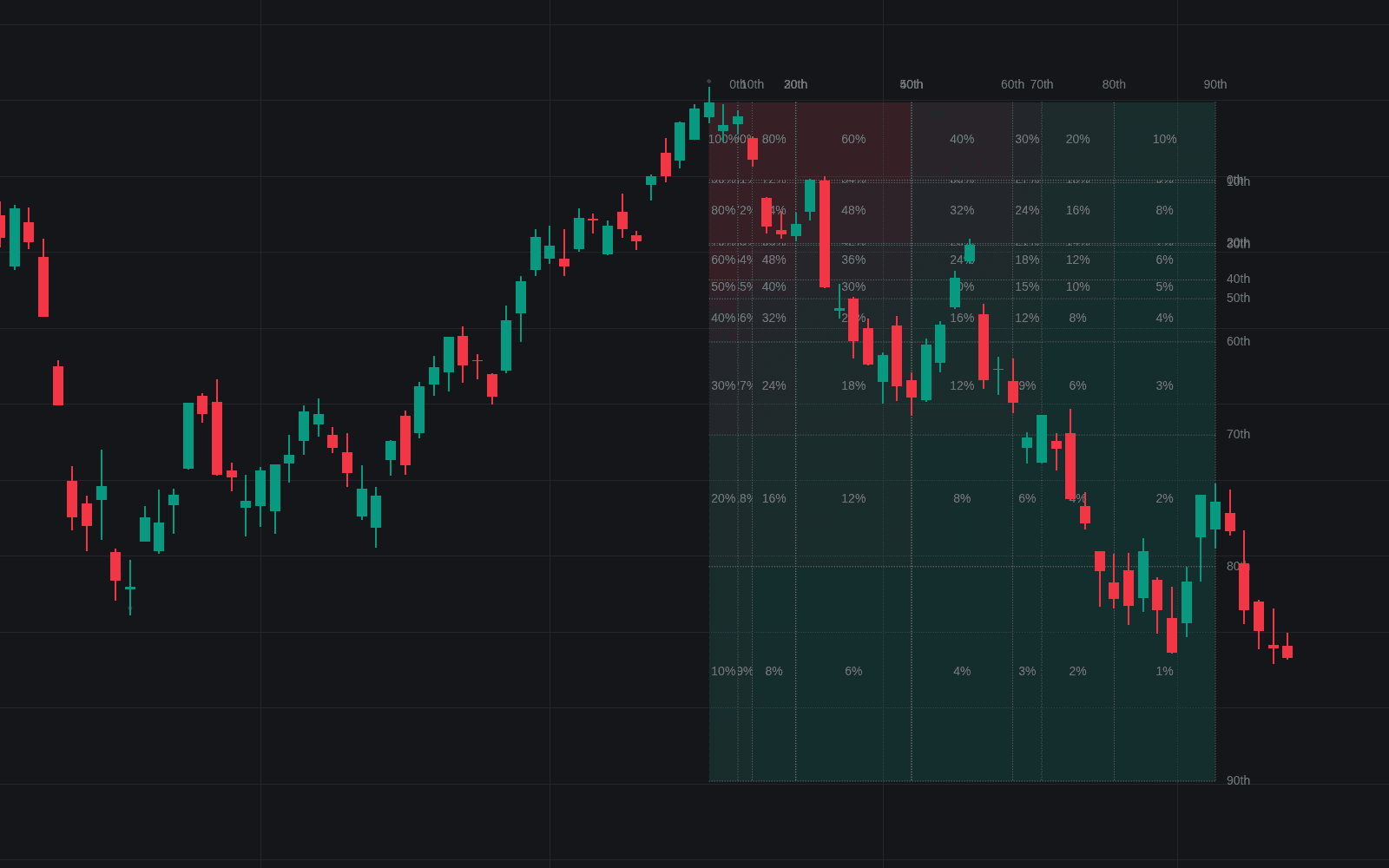
Monte Carlo Shuffled Projection turns recent history into a fan of hypothetical futures. It gathers each candle's open-to-close move from a user-set lookback window, shuffles their order, and adds each reshuffled sequence forward from the latest close, step by step: the Monte Carlo method applied to the exact changes your chart just produced. Up to 1,000 simulations are distilled into an Average Line, with standard-deviation lines framing probable territory, support, and resistance.
Because each path reuses the window's real changes, endpoints align with the lookback's slope; the Randomize Direction option flips values at intervals for a broader, less trend-biased range.
How to Trade the Monte Carlo Shuffled Projection?
- Average Line: a straight slope from the last close to the midpoint of the highest and lowest simulated values at the final step, a central estimate of where price could drift if the window's trend and volatility persist.
- Standard-deviation lines: averaged across the full simulation set; treat them as a probabilistic envelope for targets and for judging when a move has outrun recent behavior.
- Visualized paths: enable the individual simulations (the last 99 are drawn) to see how widely outcomes disperse before leaning on the average.
The projection is resampling, not prophecy: it maps the range of outcomes the recent window could plausibly generate, better for stress-testing expectations than for timing entries on its own.
Monte Carlo Shuffled Projection Settings
- Lookback: how many bars feed the simulation.
- Simulation Count: number of shuffled paths, up to 1,000. More runs steady the Average Line.
- Randomize Direction: inverts shuffled changes at intervals for a more normalized distribution of endpoints.
- Visualize Simulations: draws individual paths in randomly picked colors; only the last 99 show.
- Standard Deviations (default off) and Multiplier (default 2): show the deviation lines and set how far they sit from the central line.
Frequently Asked Questions
Free to use
Run it on Vela. Go further with a paid plan.
- Up to 500 Custom Alerts, with webhook automation
- Up to 10× the chart history of Free
- Orderflow lookback up to full history
- More Quant usage to customize it, plus extra usage when you need it
- Futures data alongside crypto, stocks, forex and commodities
Also works on

Related indicators
All 5 Monte Carlo Price Paths indicators
Run it on Vela. Make it yours with Quant.
Open this indicator free on Vela, our next-generation charting platform. Then ask Quant, our coding agent built into Vela, to retune it or turn it into a backtested strategy of your own.