Strength/weakness Background
 By LuxAlgoJun 15, 2026
Strength/weakness Background is an indicator on Vela, our next-generation charting platform, written in Pine Script®.
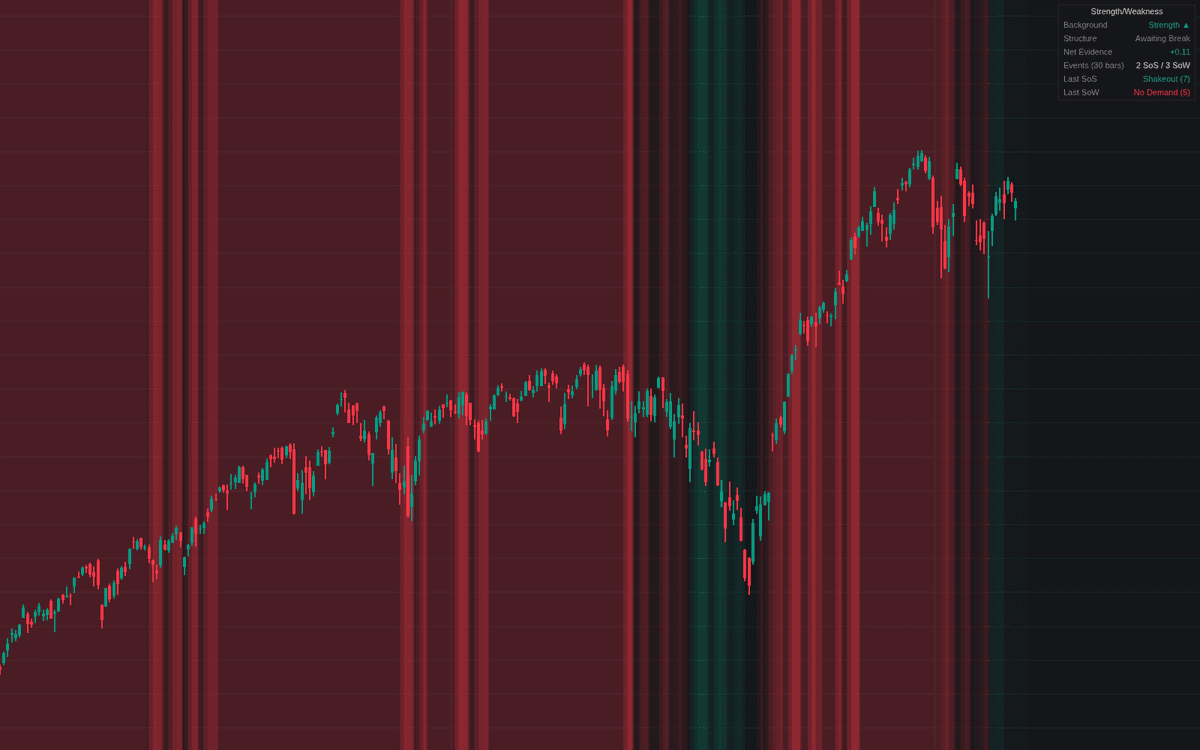

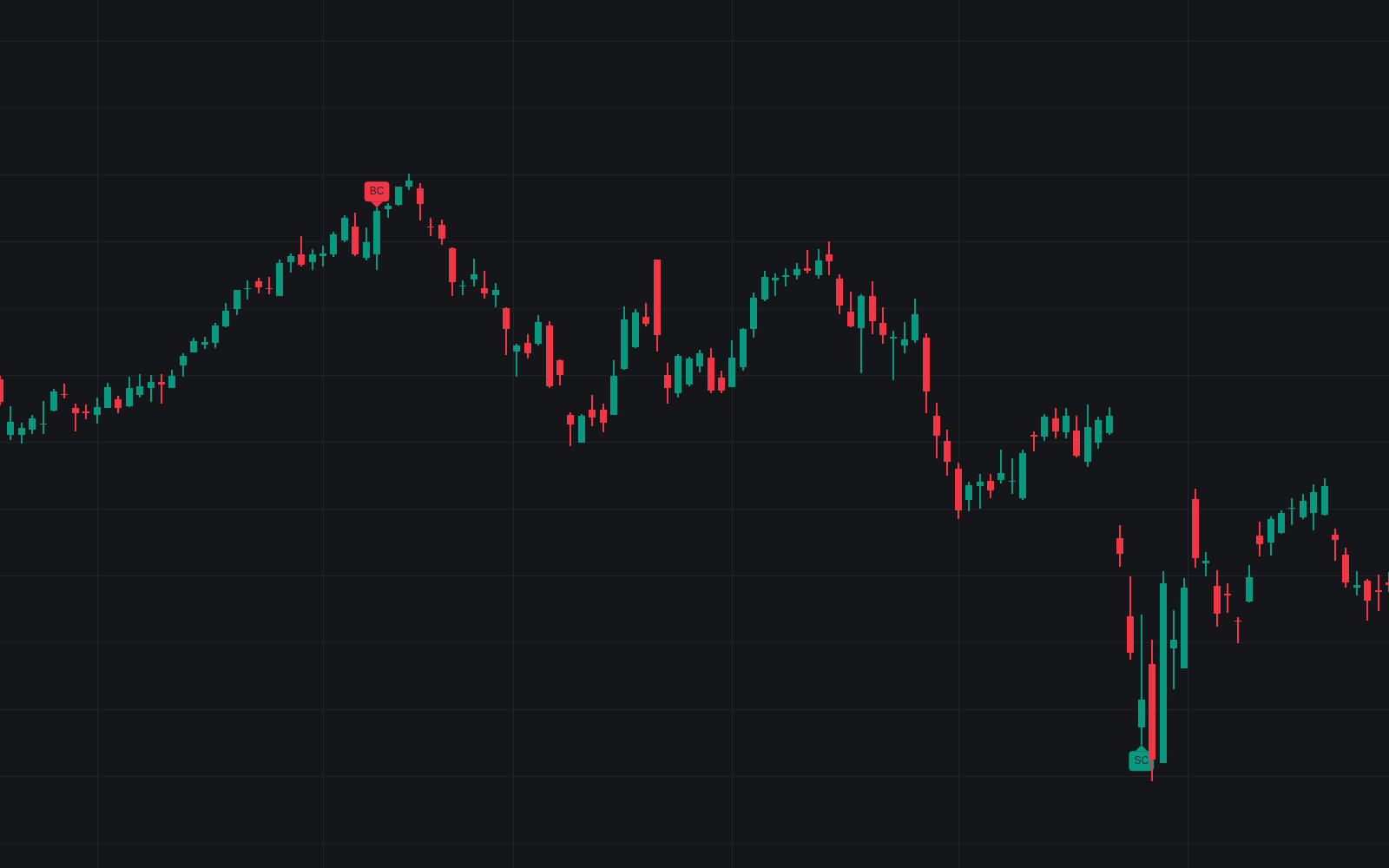
Strength/weakness Background turns bar-by-bar volume-spread reads into one persistent visual verdict, the first faithful implementation of the strength/weakness background. Six classic events are graded each bar against rolling volume and spread averages and the recent range: stopping volume, shakeouts and successful tests build strength; upthrusts, no-demand rallies and effort without result build weakness. Each event adds weighted evidence that decays exponentially, and the background shades once the net tally crosses a threshold and keeps that verdict until the opposite threshold is reached, darkening as evidence stacks and fading as it ages.
How to Trade the Strength/weakness Background?
- Background as bias: a strength background says recent evidence favors accumulation, weakness distribution. Context for setups, not entries.
- Structure confirmation: a fresh verdict stays Awaiting Break until price closes beyond the prior swing in its direction, both stages alerted.
- Aligned signs: an event printing while the background already leans its way, timing in agreement with the bias, with its own alerts.
It reads naturally beside other Wyckoff-method tools built on the same effort-versus-result logic.
Strength/weakness Background Settings
- Average Length (default 20): the volume and spread baselines.
- High Volume Multiplier (default 1.5): the climactic-effort bar.
- Range Lookback (default 20) and Swing Length (default 10): the range events interact with, and the confirmation pivot.
- Event toggles: Stopping Volume, Shakeout, Successful Test, Upthrust, No Demand, Effort Without Result (all on).
- Evidence Window (default 30), Climactic Event Weight (default 2), Response Event Weight (default 1), Verdict Threshold (default 1): decay, weights, flip bar.
- Event Markers (default off), Dashboard (on), Full Intensity Evidence (default 4).
Frequently Asked Questions
Free to use
Run it on Vela. Go further with a paid plan.
- Up to 500 Custom Alerts, with webhook automation
- Up to 10× the chart history of Free
- Orderflow lookback up to full history
- More Quant usage to customize it, plus extra usage when you need it
- Futures data alongside crypto, stocks, forex and commodities

Related indicators
Run it on Vela. Make it yours with Quant.
Open this indicator free on Vela, our next-generation charting platform. Then ask Quant, our coding agent built into Vela, to retune it or turn it into a backtested strategy of your own.