Breakout
A breakout is a move that closes beyond a boundary the market had been respecting: a range extreme, a support or resistance level, a pattern border, a channel line, or a prior session high or low. It is a Trend concept. The Library holds 29 implementations, each one a working definition you can pull into Quant.
Top Breakout indicators
The top custom implementations, built on the original standard Breakout formula.
From studying Breakout to trading it: take any implementation below into Quant and backtest it instantly.
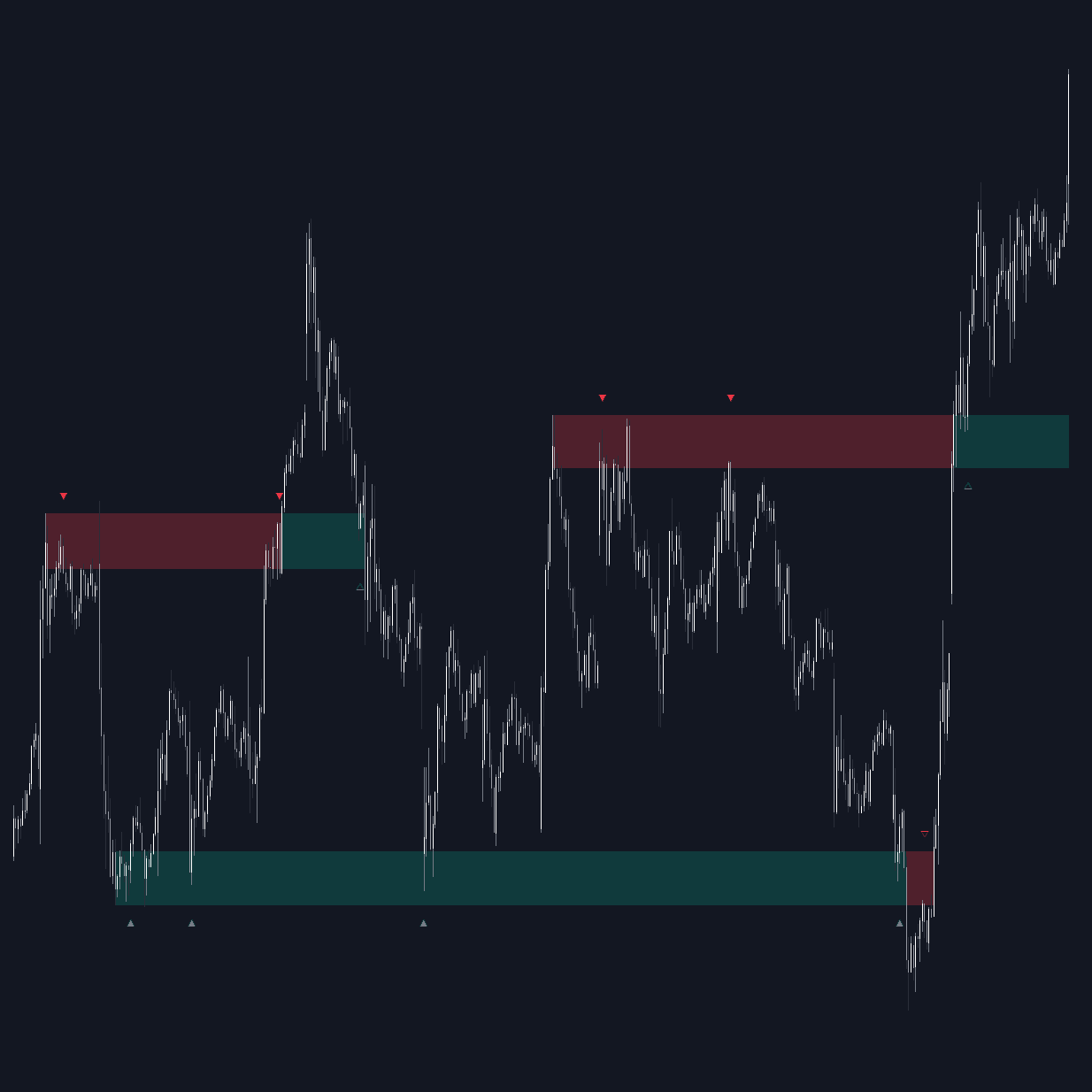
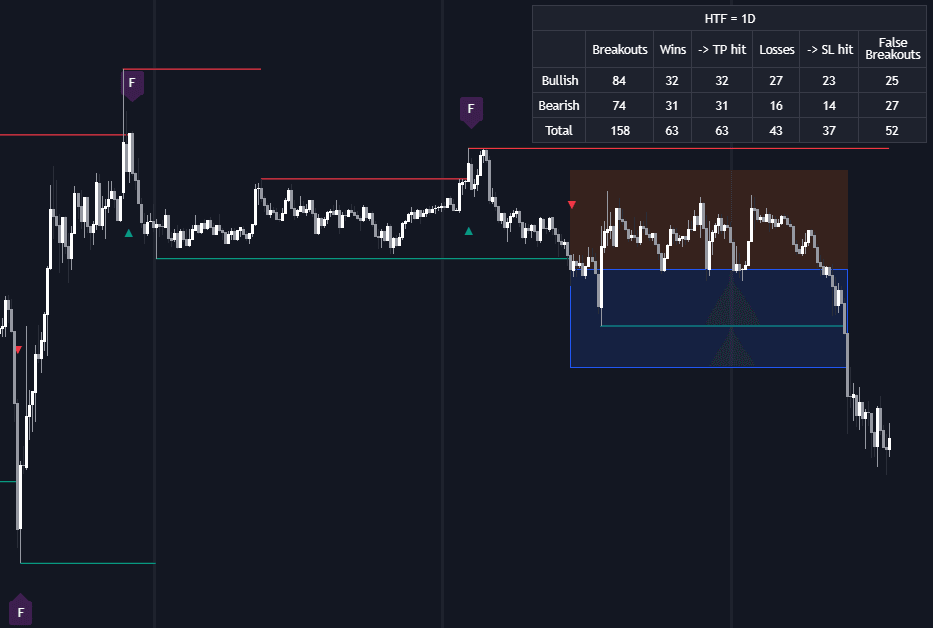
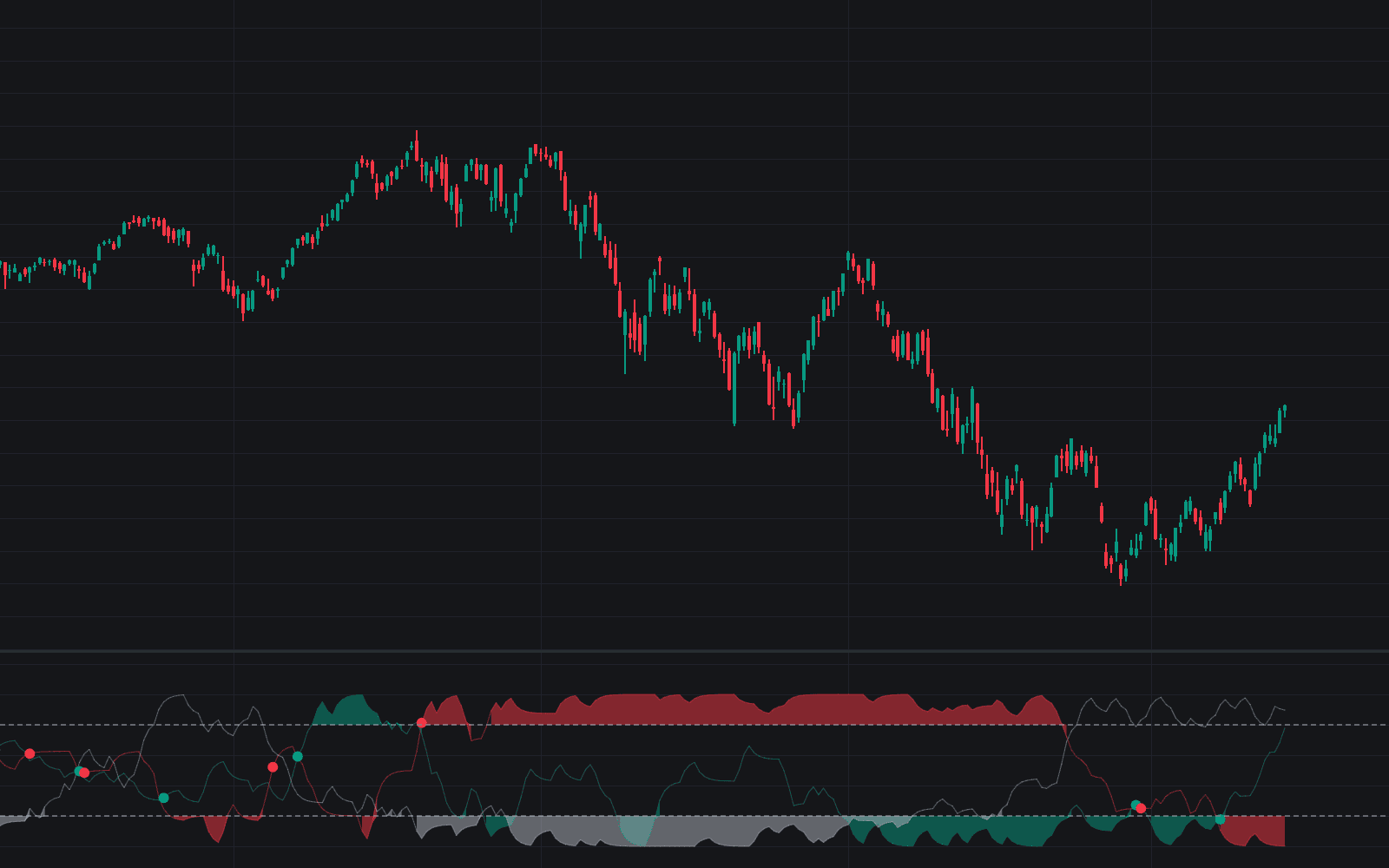
What is a Breakout?
A breakout is a move that closes beyond a boundary the market had been respecting: a range extreme, a support or resistance level, a pattern border, a channel line, or a prior session high or low. The boundary matters because orders cluster around it. Stop-losses from one side, breakout entries from the other, and defenders of the level all transact when it trades, which is why genuine breaks often arrive with a burst of activity.
In auction terms, a breakout is the transition from balance to imbalance: a trading range is two-sided rotation between known extremes, and the break is the moment one side stops showing up at the edge. The idea predates modern indicators; Richard Donchian's four-week rule, buying new four-week highs, is among the earliest documented systematic strategies, and the same logic survives in Donchian channels and opening-range models.
Breakouts matter because most sustained trends begin with one, so trend traders cannot avoid engaging with them. The failure mode is equally famous: a false breakout pokes through, finds no follow-through, and snaps back, trapping late entries. The craft is therefore less about spotting the break, which is obvious, and more about judging whether price is being accepted beyond the level.
How to identify a breakout
A defensible breakout read needs a pre-defined level, a decisive close, and evidence of acceptance:
- 1Define the boundary in advance: a range extreme, a marked support or resistance zone, a trendline, a pattern edge, or a prior day or week high or low. A level drawn after the move is storytelling.
- 2Require a close beyond the level on the timeframe you trade, not just a wick through it. Intrabar penetration that closes back inside is the classic trap signature.
- 3Check participation: volume at breakout running meaningfully above recent norms supports the case that new business is being done beyond the level; a quiet break deserves more suspicion.
- 4Watch the first retest: a former ceiling holding as a floor signals acceptance, while an immediate return inside the range is the false-break signature and often precedes a rotation to the opposite extreme.
How traders use it
- As a momentum entry: buying the close through resistance (or the touch, for faster traders) with invalidation set back inside the range. Entering at the break pays for immediacy with worse price and full exposure to traps.
- As a retest entry: letting the break happen, then joining on the pullback that holds the broken level, the sequence formalized as breakout-pullback-continuation. Fewer fills and missed runners, but better location and a clean invalidation.
- Systematically: channel rules (enter on an N-bar high, exit on an M-bar low) and opening range models trade breakouts without discretion, accepting many small failures in exchange for the occasional large trend.
- As the release of compression: setups like the Bollinger squeeze and the volatility contraction pattern exist to position before the break, on the observation that contraction tends to precede expansion.
Breakout vs similar events
False Breakout: The failed twin: price trades beyond the level but cannot hold it and closes back inside. Every breakout looks identical at the moment of the break; the two are distinguished only by what happens next, which is why confirmation rules exist at all.
Liquidity Sweep: The Smart Money Concepts reading of the wick-through-and-reverse: the push beyond the level exists to fill orders resting there, not to start a trend. A sweep is a raid on stops; a breakout is acceptance and continuation beyond them.
Retest: The retest is the sequel, not the event: the return to a broken level to check whether it now acts as the opposite barrier. Many traders treat the retest, rather than the break itself, as the tradeable moment.
Breakaway Gap: A breakaway gap clears the level between sessions instead of trading through it, leaving no fills at the boundary. The continuation implication is similar, but the mechanics differ: there is no break candle to confirm, and the gap itself becomes the reference zone.
More Breakout implementations
- Luminance Breakout Engine
- Probabilistic Breakout Forecaster
- Gap Fill Breakouts
- Trendline Breakout Navigator
- D-Shape Breakout Signals
- Range Breakout Signals (Intrabar)
- Bollinger Bands Breakout Oscillator
- Initial Balance Breakout Signals
- NR4 & NR7 with Breakouts
- Power Hour Breakout Signals
- Significant Breakout Levels (FVG)
- Opening Range with Breakouts & Targets
- 9:30 AM 15m Fib Breakout
- EQH/EQL FVG Breakouts
- 8AM 1H Range & Breaks
- Retest & Break Setup
- Half Cup
- Fibonacci Progression with Breaks
Concept family
Trend
104 concepts mapped · 104 in the Library
Breakout FAQ
Turn Breakout into a trading strategy.
Take any implementation from this page into Quant, then build on it, backtest it on real data, and keep refining it in conversation.